
Blog
How to Set Up WooCommerce Abandoned Cart Emails Without Breaking CASL Rules
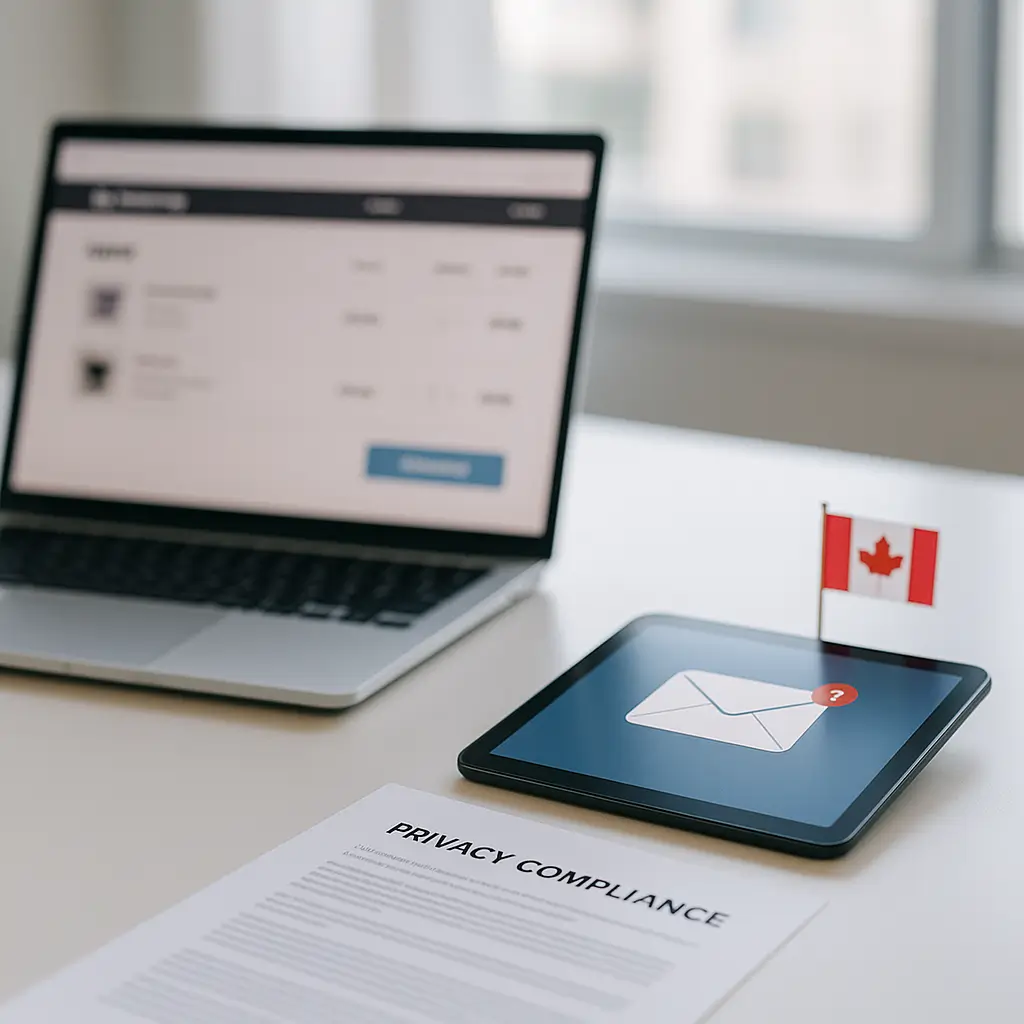
Your abandoned cart email is probably a marketing email, not a harmless reminder, and that matters under Canada’s Anti-Spam Legislation.
WooCommerce store owners love abandoned cart emails because they are practical. Someone added a product, got distracted, and a reminder might bring them back. Fair enough.
But in Canada, that reminder can be a commercial electronic message, usually called a CEM. If it encourages someone to complete a purchase, use a coupon, or return to your store, CASL rules need to be part of the setup from the beginning.
This guide explains how to set up WooCommerce abandoned cart emails in a way that is more careful, more defensible, and less likely to annoy people. It is not legal advice, and if your store depends heavily on email marketing, you should have your process reviewed by a lawyer familiar with CASL.
Why abandoned cart emails are risky under CASL
CASL applies to commercial electronic messages sent to or from Canada. An email does not need to be a big newsletter campaign to count. If one of its purposes is to encourage commercial activity, it can fall under CASL.
An abandoned cart email usually says something like “You left something behind” or “Complete your order.” That is clearly nudging someone toward a purchase.
That means you should treat abandoned cart emails as CASL-regulated messages unless you have specific legal advice saying otherwise.
Simple rule: if the email tries to get someone to buy, re-buy, claim a discount, book, subscribe, or return to checkout, build it like a CASL email.
The mistake many store owners make is assuming that entering an email address at checkout automatically gives permission for marketing follow-up. Sometimes you may have a reasonable basis to email, but it is not something to treat casually.
For a broader Canadian overview, see CASL Compliance for Website Contact Forms and Email Signups in Canada.
What CASL generally requires
For most commercial email, CASL has three big requirements:
- You need consent, either express consent or a valid form of implied consent.
- You need to identify who is sending the message.
- You need to include a working unsubscribe mechanism.
Those are the basics, but the details matter.
Consent
Express consent is the cleanest option. The customer clearly agrees to receive abandoned cart reminders, marketing emails, or both.
For WooCommerce, that usually means adding a clear opt-in checkbox during checkout or account creation. Do not pre-check it. Do not hide it inside your terms and conditions.
A good checkbox might say something like:
Send me cart reminders and occasional email offers from [Store Name]. I can unsubscribe at any time.
If you want to separate abandoned cart reminders from broader newsletters, use separate consent choices. That gives the customer more control and makes your records easier to understand later.
Identification
Your abandoned cart email should clearly identify your business. Include your store name, a valid mailing address, and a way to contact you.
Do not send cart reminders from a vague sender name like “Support” or “Deals.” Use something recognizable, such as your store name.
Unsubscribe
Every abandoned cart email should include an unsubscribe link unless you have specific legal advice that a narrow exemption applies. The unsubscribe process should be simple and should not require the person to log in.
If someone unsubscribes, your email system needs to respect that across future cart reminders. Ideally, it should also sync with your main marketing platform if you use one.
Do you need consent before sending the first abandoned cart email?
This is where things get messy.
Some businesses rely on implied consent in certain situations, such as an existing customer relationship. Others treat an abandoned checkout as enough of an interaction to justify a limited follow-up. That may or may not be appropriate depending on the facts.
The safer approach for Canadian WooCommerce stores is this:
- Ask for express consent before sending cart reminder emails.
- Use a clear, unchecked opt-in box.
- Store the consent date, source, wording, IP address if available, and email address.
- Do not send reminders to people who did not opt in, unless you have confirmed a valid legal basis.
Yes, this may reduce the number of abandoned cart emails you send. That is the tradeoff.
But it also means the people who receive them are less likely to be surprised, annoyed, or report the message as spam.
How to structure WooCommerce checkout consent
Start by deciding what types of email you actually want to send. Do not lump everything together if the customer experience would be clearer with separate choices.
For example, you might use:
- One checkbox for abandoned cart reminders.
- One checkbox for newsletters, sales, and product announcements.
- Separate consent wording for SMS, if you use text messages.
Keep the wording plain. Avoid legal-sounding language that normal customers will not read.
Bad example:
I agree to receive electronic communications pursuant to applicable legislation.
Better example:
Email me if I leave items in my cart. I can unsubscribe at any time.
If you plan to include coupons in cart recovery emails, say so in the broader marketing consent language. Coupons make the commercial purpose obvious.
Choose the right WooCommerce abandoned cart tool
There are several WooCommerce-compatible tools that can send abandoned cart emails. Common options include AutomateWoo, Mailchimp for WooCommerce, Klaviyo, and other marketing automation plugins.
Do not choose based only on templates or automation features. For Canadian stores, you want a tool that can handle consent properly.
Look for these features:
- Ability to send only to opted-in users or specific customer segments.
- Consent logging or integration with a system that logs consent.
- Unsubscribe links in every message.
- Suppression lists, so unsubscribed contacts are not emailed again.
- Clear control over email timing and frequency.
- Good WooCommerce integration, including cart, checkout, and order status awareness.
- Compatibility with your privacy policy and data retention practices.
Pricing and feature sets change often, so check the official plugin or platform documentation before choosing. Avoid tutorials that show old screenshots and assume the settings are still the same.
Recommended abandoned cart email settings
There is no perfect timing that works for every store. A furniture store, a food delivery site, and a digital download shop will all have different buying patterns.
Still, for CASL-conscious WooCommerce stores, restraint is your friend.
Start with one email
If you are setting this up for the first time, start with one abandoned cart email instead of a three-email sequence.
Send it after enough time has passed that the customer has actually abandoned the cart, not just paused for a minute. Many stores use a delay of at least a few hours, but choose timing that fits your buying process.
One polite reminder is easier to defend than a string of increasingly pushy emails.
Avoid aggressive countdowns
Fake urgency damages trust. Do not say “your cart expires in 15 minutes” unless that is actually true.
If inventory is limited, say it honestly:
Items are not reserved until checkout is complete.
That is useful information without pretending there is a special timer.
Be careful with discounts
Discounts can work, but they train customers to abandon carts and wait. They also make the email feel more like marketing, which strengthens the case for handling it carefully under CASL.
If you use a discount, keep it simple. Avoid sending multiple escalating offers unless the recipient clearly consented to marketing emails.
Stop after purchase
Your automation should stop immediately when the customer completes the order. Nothing feels sloppier than getting a “you forgot something” email after paying.
Test this with real WooCommerce order statuses. Payment gateways, failed payments, pending orders, and manually created orders can all affect automation triggers.
If you are troubleshooting order flow issues, How to Test Your WooCommerce Checkout Flow is a useful companion article.
What to include in the email
A CASL-friendly abandoned cart email does not need to be ugly or full of legal text. It just needs to be clear, honest, and easy to opt out of.
Include:
- Your store name.
- A short reminder of what was left behind.
- A link back to the cart or checkout.
- Your business mailing address.
- A contact email address or contact page link.
- A clear unsubscribe link.
Keep the body short. The customer already knows what they were shopping for.
Example structure:
Hi [First Name],
You left something in your cart at [Store Name]. If you still want it, you can return to your cart here:
[Return to cart]
Items are not reserved until checkout is complete.
You are receiving this because you asked to receive cart reminders from [Store Name]. You can unsubscribe at any time.
That is plain, useful, and not manipulative.
Do not use abandoned cart emails for everyone
There are times when abandoned cart emails are not worth the risk or complexity.
You may want to skip them if:
- You do not have a proper consent checkbox in checkout.
- Your email tool cannot reliably suppress unsubscribed contacts.
- You sell sensitive products where a reminder email could reveal private information.
- You cannot explain how consent is recorded.
- Your checkout already has deliverability problems.
- You are using a plugin that has not been updated or tested with your current WooCommerce setup.
Sensitive products deserve extra caution. Health products, legal services, financial products, or anything embarrassing should be handled carefully. Even if the email is technically allowed, it might still be a bad customer experience.
If your abandoned cart email includes product names, ask yourself this: would the customer be comfortable if someone else saw that subject line or inbox preview?
Subject lines matter
The subject line is part of the message. Do not make it deceptive.
Avoid subject lines like:
- “Your order is confirmed” when no order exists.
- “Payment failed” if no payment was attempted.
- “Final notice” if there is no actual deadline.
- “Account alert” if this is really a cart reminder.
Use plain language instead:
- “You left items in your cart”
- “Still interested in your [Store Name] cart?”
- “Your cart is waiting, if you still want it”
Honest subject lines reduce complaints and help protect deliverability.
Keep consent records
If someone complains, you need to show why they received the email. “Our plugin sent it” is not a good answer.
Your records should ideally show:
- The email address.
- The consent wording shown at the time.
- The date and time of consent.
- The form or checkout page where consent was given.
- The customer account or order connection, if applicable.
- Unsubscribe history.
If your email platform stores this, learn where to find it. If it does not, consider whether it is the right tool for a Canadian store.
Update your privacy policy
Abandoned cart emails involve collecting and using personal information. At minimum, you are using an email address, cart contents, timestamps, and possibly customer account behaviour.
Your privacy policy should explain this in plain language. Tell people what you collect, why you collect it, who processes it, and how long you keep it.
This is where CASL and privacy law overlap. CASL focuses on consent for commercial messages. PIPEDA focuses on how personal information is collected, used, disclosed, protected, and retained.
For Canadian privacy basics, read How to Comply with PIPEDA: Essential Privacy Policy Requirements for Canadian Websites.
Watch where your email data is stored
Many marketing automation platforms process data outside Canada. That does not automatically mean you cannot use them, but you should know where customer data goes.
Check the platform’s official privacy and data processing documentation. Look for details about:
- Where data is stored and processed.
- Which subprocessors are used.
- How deletion requests are handled.
- How unsubscribe and suppression data is retained.
- Whether you can export consent records.
If your customers are mainly in Canada, this should be part of your vendor selection process.
Do not send abandoned cart campaigns through regular hosting email
There is a difference between transactional site email and bulk or marketing email.
Order confirmations, password resets, and contact form notifications are transactional. Abandoned cart emails are usually marketing or marketing-adjacent. They should be sent through a proper email marketing or automation platform that handles unsubscribe lists, consent records, and deliverability controls.
If you send cart reminders through the wrong channel, you can damage your domain reputation. That can affect legitimate order emails too.
Ambrite’s maintenance plans include reliable SMTP delivery for site transactional email, such as forms, order confirmations, and password resets. That is not a newsletter or bulk marketing service. For marketing automation, use a proper compliant email platform.
Test before turning it on
Before enabling abandoned cart emails on a live WooCommerce store, test the full flow.
Use a checklist like this:
- Add a product to cart as a guest.
- Enter an email address without opting in, then abandon checkout.
- Confirm no cart reminder is sent if your rule requires consent.
- Repeat the test with the opt-in checked.
- Confirm the email arrives with the correct sender name.
- Check that the cart recovery link works.
- Click unsubscribe and confirm future reminders stop.
- Complete a purchase and confirm the abandoned cart sequence stops.
- Test failed payment and pending payment scenarios.
- Check the email on mobile.
Also test deliverability. If your store emails are already landing in spam, fix that before adding automation. More email will not solve a bad sending setup.
For help with WordPress email reliability, see WordPress Emails Not Sending: How to Fix SMTP and Deliverability Problems.
Common mistakes to avoid
Using a pre-checked consent box
Do not do this. Consent should be an active choice, not something slipped in by default.
Combining everything into one vague checkbox
“I agree to receive communications” is not very helpful. Say what kind of emails the customer will get.
Sending too many reminders
A long abandoned cart sequence may recover some sales, but it can also create unsubscribes and complaints. Start small and measure carefully.
Hiding the unsubscribe link
The unsubscribe link should be easy to find and easy to use. Do not make the customer search the footer in tiny grey text.
Assuming plugin defaults are compliant
Plugins are built for broad markets. A default setting may not be appropriate for a Canadian store.
Forgetting multilingual expectations
If you actively sell to customers in Quebec or run a bilingual store, think carefully about language. Consent wording, email content, unsubscribe pages, and privacy notices should match the experience you offer customers.
A practical setup for a Canadian WooCommerce store
If you want a conservative starting point, use this structure:
- Add an unchecked checkout checkbox for cart reminders.
- Use clear wording that says the customer can unsubscribe any time.
- Store consent details in your email platform or CRM.
- Send one abandoned cart email only to opted-in contacts.
- Wait a reasonable amount of time before sending.
- Include your business identity, mailing address, and unsubscribe link.
- Suppress anyone who unsubscribes.
- Stop the automation when an order is placed.
- Update your privacy policy to describe cart reminder processing.
- Review the setup regularly, especially after WooCommerce or plugin updates.
This is not the most aggressive recovery strategy. It is the kind of setup that respects the customer and is easier to explain if questioned.
Where Ambrite fits in
If your WooCommerce store is already built and you only need the abandoned cart setup reviewed, that is usually a focused configuration and testing job. The key is making sure the consent flow, email tool, checkout behaviour, and unsubscribe process all work together.
Ambrite Web Services is a Canadian WordPress business based in Fredericton, New Brunswick. WooCommerce stores can be covered under Ambrite’s WordPress maintenance plans, and there is also a dedicated WooCommerce maintenance page for store owners who want help keeping cart, checkout, payment, and plugin behaviour under control.
If you are building a new store, Ambrite’s custom WordPress website packages include an E-commerce option for WooCommerce stores. Current pricing and inclusions are listed on the Ambrite website.
Final checklist before you enable abandoned cart emails
- Is the email genuinely useful to the customer?
- Do you have consent or a clearly documented legal basis?
- Is the opt-in unchecked and written in plain language?
- Can you prove when and how consent was collected?
- Does every email identify your business?
- Does every email include a working unsubscribe link?
- Does unsubscribing stop future cart reminders?
- Does the automation stop after purchase?
- Is your privacy policy updated?
- Have you tested guest checkout, registered users, failed payments, and mobile layout?
Abandoned cart emails can be useful, but they are not just a sales feature. In Canada, they are part of your consent, privacy, and email deliverability setup. Build them carefully, keep the wording honest, and do not send them to people who never asked for them.
This article was written with the help of AI and reviewed by Ambrite. Pricing, features, and technical details may change, so always verify with official sources before making decisions.
Was this article useful?
Related Articles
Setting up Moneris on your WooCommerce store feels like wrestling with government paperwork,...
Running a Canadian e-commerce store means dealing with Canada Post shipping rates, and if...
Your WooCommerce store is hemorrhaging money. Every second it takes to load costs you...
Your WooCommerce store crashed yesterday. The database is corrupted. Your last backup? Three...
Your WooCommerce store just notified you about a new update. Should you click that update...
