
Blog
CASL Compliance for Website Contact Forms and Email Signups in Canada
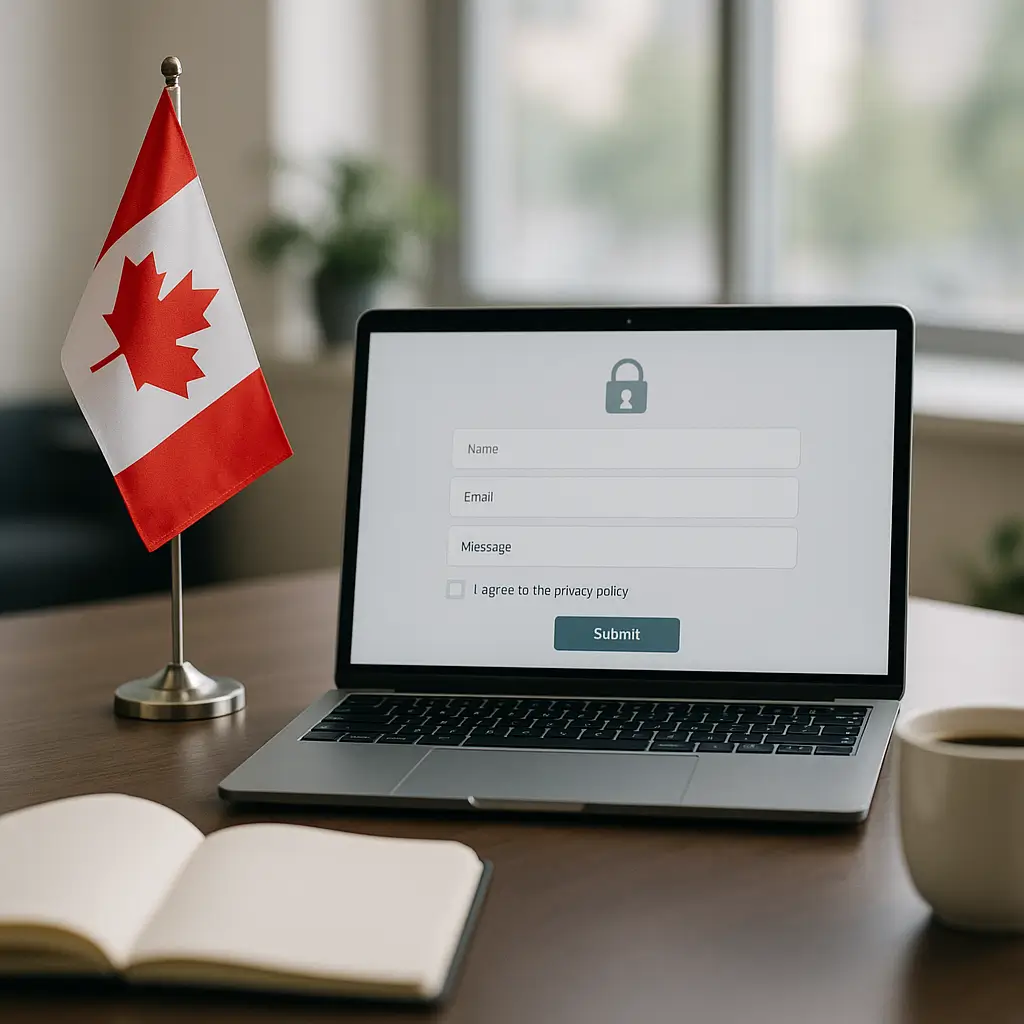
A contact form can quietly turn into a compliance problem if you use it to build a mailing list without clear permission.
For Canadian businesses, email marketing is governed by Canada’s Anti-Spam Legislation, usually called CASL. If your website has a contact form, quote request form, newsletter signup, lead magnet, booking form, checkout opt-in, or “download our guide” form, CASL likely matters.
This article is written for small business website owners in Canada, not lawyers. It is not legal advice, but it will help you understand the practical website decisions that reduce risk and make your email list cleaner.
What CASL Actually Covers
CASL applies to commercial electronic messages, often shortened to CEMs. A CEM is any electronic message that encourages participation in a commercial activity.
That includes more than newsletters. It can include promotional emails, sales follow-ups, discount offers, abandoned cart emails, event invitations, referral campaigns, and some automated sequences.
CASL can apply to:
- Email marketing campaigns
- SMS promotions
- Some direct messages on social platforms
- Automated lead nurture emails
- Promotional messages sent after someone fills out a form
- Newsletter signups on a WordPress website
- WooCommerce marketing opt-ins
CASL does not mean you can never email someone. It means you need the right type of consent, you need to identify yourself clearly, and you need to give people a working way to unsubscribe.
Simple version: If your message promotes your business, services, products, events, offers, or content marketing, treat it as a CASL message unless you have a clear reason not to.
The Three Big CASL Requirements
Most website owners do not need to memorize the full legislation. For day-to-day website forms and email signups, focus on these three requirements.
1. Consent
You need permission to send commercial electronic messages. Consent can be express or implied, but express consent is usually cleaner and easier to prove.
Express consent means the person actively agreed to receive marketing messages. A good example is someone checking an unchecked box that says they want to receive your newsletter.
Implied consent can happen in some business relationships, such as when someone buys from you or makes a direct inquiry. But implied consent is limited and time-sensitive, so do not treat it like permanent permission.
2. Identification
Your marketing emails must clearly identify who is sending the message. Use your business name, mailing address, and a way to contact you.
This is one reason using a real business email address and professional email setup matters. A message from a random Gmail address or a vague “no-reply” sender looks unprofessional and can create trust problems.
If your business email deliverability needs work, see How to Set Up SPF, DKIM, and DMARC for Your Business Email.
3. Unsubscribe
Every commercial email must include an unsubscribe mechanism. It needs to be easy to find, simple to use, and processed promptly.
Do not make people log in to unsubscribe. Do not ask them to email your office and wait for a manual reply. Do not hide the unsubscribe link in tiny grey text that almost disappears.
Your email marketing platform should handle unsubscribes automatically. If you are sending newsletters manually through Outlook or Gmail, that is usually a sign you need a better system.
Contact Forms: When Can You Reply?
If someone fills out your contact form and asks a question, you can generally reply to that inquiry. That reply is not the same thing as adding them to your monthly promotional email list.
For example, if someone asks, “Can you quote me on a furnace repair?” the HVAC company can respond with pricing, availability, and next steps. That is a direct response to the request.
But if the company also adds that person to a weekly “home comfort deals” newsletter without clear consent, that is where CASL risk starts.
Think of it this way:
- Replying to the person’s request: usually expected and reasonable
- Sending related follow-up about that specific request: often reasonable, depending on context
- Adding them to ongoing marketing: get express consent
- Sharing their email with another business: do not do this without proper consent and privacy review
This matters for lawyers, clinics, contractors, restaurants, real estate agents, consultants, and any business using lead forms. A contact form is not automatically a newsletter signup.
Use Separate Consent for Marketing
The safest pattern is to separate the main form submission from marketing consent.
For example, your form might include fields for name, email, phone number, and message. Then, below that, include an optional checkbox for marketing emails.
A plain-language checkbox might say:
Yes, I would like to receive occasional emails from [Business Name] with tips, updates, and offers. I can unsubscribe at any time.
Keep the checkbox unchecked by default. CASL expects consent to involve a positive action, and pre-checked boxes are a bad idea.
Do not bundle consent into your submit button text. “By submitting this form, you agree to receive marketing emails” may be convenient, but it is not the cleanest consent experience.
If you want people to request a quote, let them request a quote. If you want them to join your mailing list, ask separately.
What Your Signup Form Should Include
A good Canadian email signup form is not complicated. It just needs to be clear.
At minimum, your signup form should explain:
- Who is collecting the email address
- What type of emails the person will receive
- How often emails are typically sent, if you know
- That they can unsubscribe at any time
- Where they can read your privacy policy
Here is a practical example:
Subscribe to receive occasional emails from ABC Dental with clinic updates, oral health tips, and appointment reminders. You can unsubscribe at any time. See our privacy policy for details.
That is much better than “Sign up for updates,” which is vague. Vague consent is harder to defend later.
If your website collects personal information, your privacy policy matters too. CASL and privacy compliance are separate topics, but they often overlap on website forms. For more on Canadian privacy policy expectations, read How to Comply with PIPEDA: Essential Privacy Policy Requirements for Canadian Websites.
Should You Use Double Opt-In?
Double opt-in means someone submits a signup form, then confirms their subscription by clicking a link in a confirmation email.
CASL does not always require double opt-in, but it can be useful. It gives you a cleaner record that the person actually controlled that email address and wanted to subscribe.
The tradeoff is that fewer people will complete the process. Some subscribers will miss the confirmation email, ignore it, or find it in spam.
Use double opt-in when:
- You run a high-volume newsletter
- You use lead magnets that may attract low-quality signups
- You have had spam bot issues on forms
- You want stronger proof of consent
- Your industry handles sensitive trust issues, such as legal, healthcare, finance, or professional services
You might skip double opt-in when:
- Your list is small and manually reviewed
- Your form is only available to existing customers
- You already have strong spam prevention and consent logging
- The confirmation step would seriously hurt a critical onboarding flow
If you skip double opt-in, make sure your form logs consent properly. You still need to be able to show when, where, and how someone agreed.
Keep Consent Records
This is the part many businesses forget. CASL compliance is not just about having the right checkbox. You also need records.
Your system should ideally store:
- The email address submitted
- The date and time of signup
- The form or page used to sign up
- The consent language shown at the time
- The IP address, where appropriate
- Whether double opt-in was completed
- When the person unsubscribed, if they did
Email marketing platforms usually handle much of this for you, but do not assume. Check your provider’s documentation and export options.
For WordPress sites, form plugins and CRM integrations vary a lot. Some store submission data in WordPress, some send it to email only, and some push it into a marketing platform without keeping much local history.
If you are using WordPress and your forms are business-critical, test them regularly. Ambrite has a related guide here: How to Monitor Your Quote Request Forms.
Do Not Mix Transactional and Marketing Emails Carelessly
Transactional emails are messages people expect because of an action they took. Examples include order confirmations, password resets, booking confirmations, receipts, and support ticket replies.
Marketing emails are different. They promote, persuade, announce, upsell, or nurture.
Problems happen when businesses blend the two without thinking. For example, a receipt email that includes a small support note is one thing. A receipt email stuffed with unrelated promotions, coupon codes, and newsletter content may be treated differently.
Keep transactional emails focused. If you want to invite someone to subscribe, make it optional and clear.
For WooCommerce stores, this matters even more. Your checkout might collect email addresses for order processing, but that does not automatically mean customers agreed to ongoing promotional emails.
CASL and Lead Magnets
Lead magnets are downloads or offers people get in exchange for an email address. Examples include checklists, guides, coupons, webinars, templates, and market reports.
They can work well, but the consent wording needs care.
If someone enters their email to receive a free PDF, they have consented to receive that PDF. They have not automatically consented to receive every future campaign your business sends.
Use clear language beside the form. For example:
Enter your email to receive the renovation planning checklist. You can also choose to receive occasional renovation tips and offers from [Business Name] by checking the box below.
This separates delivery of the requested item from ongoing marketing consent. It may reduce list growth slightly, but the subscribers you get are more likely to want your emails.
Common Website Form Mistakes
Here are the mistakes we see most often on small business websites.
Pre-checked newsletter boxes
Do not use them. Consent should be active, not assumed.
Vague signup copy
“Join our list” does not say what people are joining. Tell them what kind of emails they will receive.
No unsubscribe link
If it is a marketing email, include an unsubscribe option. Your email platform should make this easy.
Using contact forms as list-building traps
A person asking for a quote is not the same as a newsletter subscriber. Keep those actions separate.
No privacy policy
If you collect names, emails, phone numbers, appointment details, or message content, you should have a privacy policy that explains your practices.
Sending from personal email accounts
It looks less trustworthy and makes unsubscribe management harder. Use a proper email platform for campaigns.
No consent logs
If someone complains, “they filled out a form once” is not a strong record. Keep timestamped consent data.
What About Existing Customers?
Existing customers may give you implied consent in some situations, but do not rely on that forever.
For example, if someone buys from your store, books a service, or signs a contract, you may have a limited window where certain related commercial messages are allowed. If someone only asks a question or requests a quote, that implied consent window is usually shorter.
The practical advice is simple: ask for express consent whenever you can.
Express consent does not expire the same way implied consent can, though the person can unsubscribe at any time. That makes your list easier to manage.
What About Business Cards and Networking Events?
If someone gives you a business card at an event, that does not always mean they want your newsletter.
If the conversation was clearly about receiving information from you, a follow-up may be appropriate. But adding every business card you collect to a marketing list is risky and annoying.
A better approach is to send a personal follow-up:
Great meeting you at the event. You mentioned you were interested in website maintenance. Here is the information we discussed. If you would like to receive occasional WordPress security tips from us, you can subscribe here.
That respects the relationship and gives them control.
French, Quebec, and Bilingual Considerations
CASL is federal, but your website may also need to consider provincial requirements, especially if you serve customers in Quebec.
If your forms, privacy notices, checkout pages, or marketing emails target Quebec consumers, review whether French-language requirements apply to your business. This can affect more than just your newsletter signup box.
For small businesses across Canada, the safest habit is to make consent language easy to understand. If you market in both English and French, your consent wording should be clear in both languages.
How CASL Fits With Website Security
CASL is about electronic marketing rules, but your website security still matters.
If your WordPress site gets hacked and starts sending spam, that can damage your domain reputation and your business reputation. It can also get your hosting account flagged or your email blocked.
Use HTTPS, keep WordPress updated, secure your forms, and protect your email authentication. On Ambrite hosting, our cloud web hosting includes LiteSpeed, NVMe SSD storage, and Imunify360 protection, which helps reduce common hosting-level risks. You can learn more about our Canadian cloud web hosting.
For WordPress sites that depend on forms and email leads, ongoing maintenance is usually worth it. Updates, monitoring, backups, and security checks help keep your lead system working. Ambrite’s WordPress maintenance plans start from $49/month CAD.
Recommended Form Setup for Most Small Businesses
Here is a clean setup that works for many Canadian service businesses.
- Use a proper WordPress form plugin or CRM form that stores submission records securely.
- Add a clear privacy policy link near the form.
- Keep marketing consent separate from the main inquiry.
- Use an unchecked checkbox for newsletter or promotional emails.
- Write specific consent text, not vague “updates” language.
- Send marketing emails through an email marketing platform, not manually from your inbox.
- Include your business identity and contact details in campaigns.
- Include an unsubscribe link in every commercial email.
- Keep consent records and review them before importing old lists.
- Test forms monthly to make sure submissions and consent data are being captured.
This is not fancy, but it covers the practical basics.
Be Careful With Old Email Lists
Old lists are a common source of trouble. Maybe you exported contacts from a previous CRM, collected emails at trade shows, or inherited a spreadsheet from an old website.
Before importing that list into a marketing platform, ask:
- Where did these contacts come from?
- Did they agree to receive marketing emails?
- Can we prove consent?
- Has anyone unsubscribed before?
- Are these contacts still relevant?
If you cannot answer those questions, do not blast the list. Consider a more cautious approach, such as contacting only people where you have a clear existing relationship and asking them to opt in properly.
Buying email lists is especially risky. Even if a vendor claims the list is “CASL compliant,” you are still the one sending the message. Most small businesses should avoid purchased lists entirely.
When Not to Add a Signup Form
Email marketing is not always worth it.
If you do not plan to send useful emails, do not add a newsletter form just because everyone else has one. A dead signup form makes your website feel neglected.
You may not need an email signup if:
- Your sales cycle is entirely referral-based
- You cannot commit to sending emails consistently
- You do not have a clear audience or message
- Your customers mostly need urgent one-time service
- You already get enough leads from search, referrals, or paid ads
In those cases, focus on better contact forms, stronger service pages, faster hosting, and clearer calls to action. A good lead form often beats a neglected newsletter.
Quick CASL Website Checklist
Use this checklist to review your website forms.
- Contact forms do not automatically subscribe people to marketing emails.
- Newsletter boxes are unchecked by default.
- Consent wording explains what subscribers will receive.
- Signup forms identify the business collecting consent.
- Privacy policy is linked near forms that collect personal information.
- Email marketing platform records consent details.
- Every campaign includes business identification.
- Every campaign includes a working unsubscribe link.
- Old lists are reviewed before import.
- Transactional emails are not overloaded with unrelated promotions.
- Forms are tested regularly.
- SPF, DKIM, and DMARC are configured for your sending domain.
Need Help Reviewing Your Website Forms?
CASL compliance is partly legal, partly technical, and partly common sense. The best setup is usually simple: clear wording, separate consent, reliable records, and emails people can leave easily.
Ambrite helps Canadian small businesses with WordPress websites, hosting, maintenance, and web design. If you want help reviewing your contact forms, newsletter signup flow, or WordPress lead capture setup, you can contact Ambrite.
Bring your current form wording, email platform, and privacy policy link if you have them. That makes the review much faster and more useful.
This article was written with the help of AI and reviewed by the Ambrite team. Pricing, features, and technical details may change — always verify with official sources before making decisions.
Was this article useful?
Related Articles
If you're a plumber, electrician, or HVAC contractor, you've probably noticed something...
Your law firm's practice area pages are goldmines waiting to be discovered—or expensive...
If you're running a restaurant in 2026, you've probably claimed your Google Business Profile....
Your phone rings at 8 AM. Another customer found you through Google search, ready to book your...
Getting found on Google isn't about gaming the system or knowing secret tricks. It's about...
