
Blog
How to Choose a WooCommerce Maintenance Provider
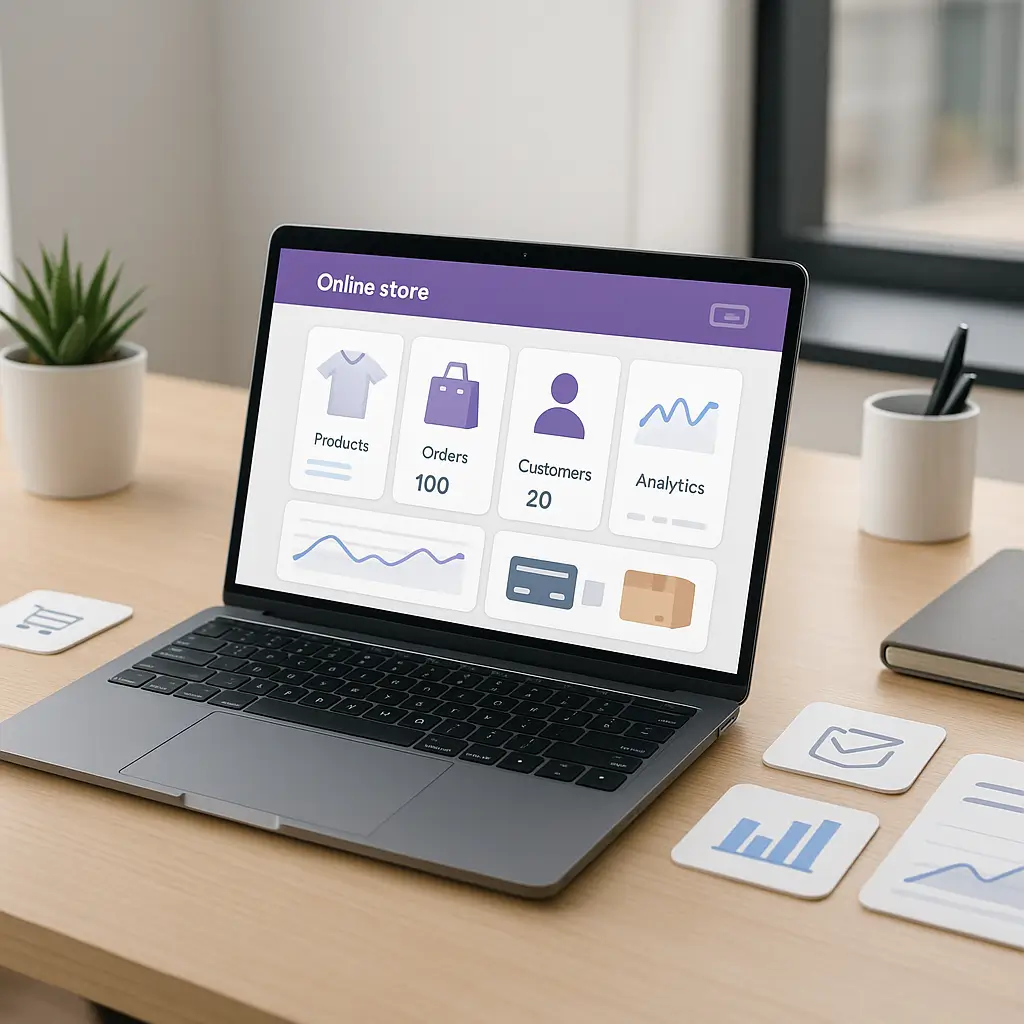
Your WooCommerce store is not “just a website” once people are trusting it with orders, payments, shipping details, and customer accounts.
That is why choosing a WooCommerce maintenance provider deserves more thought than picking the cheapest person who says they “do WordPress.” A regular WordPress site can break and cost you leads. A WooCommerce store can break and cost you sales, refunds, chargebacks, privacy problems, and a very stressful afternoon.
This guide explains what to look for, what to avoid, and how to compare WooCommerce maintenance providers without getting buried in technical jargon.
What WooCommerce maintenance actually includes
WooCommerce maintenance is the ongoing work that keeps your online store secure, stable, fast, and able to take orders.
It usually includes more than basic WordPress updates. A proper provider should understand how plugins, payments, shipping, taxes, emails, product pages, and checkout all work together.
At minimum, a WooCommerce maintenance provider should help with:
- WordPress core updates
- WooCommerce updates
- Theme and plugin updates
- Backup monitoring
- Security monitoring
- Uptime monitoring
- Checkout testing
- Payment gateway testing
- Shipping rate checks
- Performance optimization
- Staging site testing before major changes
- Emergency support when something breaks
If a provider only says “we update plugins monthly,” that may be fine for a simple brochure website. It is usually not enough for a store that depends on online sales.
For a broader overview of what store owners need, see WooCommerce Maintenance: What Store Owners Need.
Start with your store’s real risk level
Not every WooCommerce store needs the same maintenance plan.
A small store with five products and a few orders per month has different needs than a busy store with subscriptions, memberships, wholesale pricing, coupons, custom shipping rules, and daily sales.
Before you compare providers, write down what your store depends on.
Ask yourself these questions
- How many orders do we process in a normal week?
- Do we sell physical products, digital products, subscriptions, bookings, or memberships?
- Do we use Canadian payment gateways such as Moneris, Stripe, PayPal, or another processor?
- Do we calculate shipping through Canada Post, courier plugins, flat rates, or local delivery rules?
- Do we collect customer accounts, addresses, phone numbers, or special instructions?
- How painful would one full day of checkout downtime be?
- Do we have staff who can test orders after updates?
- Do we have someone responsible for privacy and customer data handling?
If your store is a side project, you may not need a high-touch plan. If your store is a major sales channel, cheap maintenance can become expensive very quickly.
Simple rule: the more your store depends on checkout working every day, the more careful your maintenance provider needs to be.
Look for WooCommerce experience, not just WordPress experience
WooCommerce is built on WordPress, but maintaining WooCommerce is more demanding than maintaining a standard business site.
A provider might be comfortable updating pages and plugins, but that does not mean they understand checkout conflicts, payment gateway problems, abandoned cart plugins, shipping calculations, tax settings, or transactional emails.
When interviewing a provider, ask direct questions:
- How do you test WooCommerce updates before applying them to a live store?
- Do you check checkout after updates?
- Do you test payment gateways in sandbox or test mode when available?
- How do you handle plugin conflicts?
- What happens if an update breaks checkout?
- Do you work with Canadian stores?
- Are you familiar with Canadian shipping and payment considerations?
You do not need them to recite every technical detail. You do want them to answer clearly and practically.
If they say, “We just run updates and let you know if anything looks wrong,” that is a warning sign.
Make sure they use staging for meaningful updates
A staging site is a private copy of your website used for testing changes before they go live.
For WooCommerce, staging matters because updates can affect checkout, cart behaviour, product variations, coupons, shipping, tax calculations, and order emails.
Minor plugin updates may not always need a full staging workflow, depending on your store’s complexity. But WooCommerce core updates, payment gateway updates, theme updates, major plugin updates, and PHP/server changes should usually be tested first.
A good provider should explain when they use staging and when they do not. If they stage absolutely everything, maintenance may be slower and more expensive. If they stage nothing, your live store becomes the testing ground.
Neither extreme is ideal for most small businesses.
For more detail, read WooCommerce Staging: Why You Need a Test Site.
Ask how backups are handled
Backups are boring until you need one. Then they become the most important part of your entire website setup.
WooCommerce backups need extra care because orders can change every few minutes. Restoring yesterday’s backup may recover your site files, but it could also lose recent orders if the process is not handled carefully.
Ask the provider:
- How often are backups taken?
- Are backups stored off the main hosting account?
- Are backups tested?
- Can files and database backups be restored separately?
- What is the process if the store breaks after an update?
- How do you avoid overwriting recent orders during a restore?
A provider does not need to promise magic. In fact, be careful with anyone who does.
The honest answer is that WooCommerce restores require judgment. Sometimes the best fix is to roll back a plugin. Sometimes it is to restore files only. Sometimes the database needs careful handling so order data is not lost.
That is exactly why WooCommerce maintenance should not be treated like ordinary website maintenance.
Security should be part of the plan
WooCommerce stores collect more sensitive information than a typical small business website. Even if your payment processor handles card details, your site may still process names, addresses, emails, phone numbers, order history, and account logins.
For Canadian businesses, that means privacy and data protection deserve real attention. PIPEDA may apply when you collect, use, or disclose personal information in the course of commercial activity.
Your maintenance provider does not need to be your lawyer, but they should understand that customer data is not something to handle casually.
Ask whether the plan includes:
- Malware scanning
- Vulnerability monitoring
- Firewall or server-level protection
- Strong admin access controls
- Two-factor authentication recommendations
- SSL monitoring
- Suspicious login monitoring
- Safe user role management
At Ambrite, our cloud hosting stack includes LiteSpeed, NVMe SSD storage, and Imunify360 security protection. That does not replace good maintenance, but it gives WooCommerce stores a stronger foundation than basic unmanaged hosting.
If customer data is a major concern for your store, this related guide is worth reading: WooCommerce Security: Protecting Customer Data.
Performance matters more than many store owners realize
Slow WooCommerce stores lose sales. People may forgive a slow blog post, but they are much less patient during checkout.
A good maintenance provider should look beyond updates and think about speed. That includes caching, image sizes, database overhead, plugin bloat, hosting quality, and mobile performance.
WooCommerce speed work can be tricky because aggressive caching can break cart or checkout behaviour if configured badly. A provider should understand that not every page should be cached the same way.
Ask what they monitor or optimize:
- Homepage and category page load speed
- Product page performance
- Cart and checkout behaviour
- Mobile speed
- Database size and cleanup
- Image optimization
- Unnecessary plugins
- Server response time
If your store is on slow hosting, maintenance can only do so much. A provider should be honest about that.
For example, Ambrite’s cloud web hosting starts at $7.99/month CAD and is built with LiteSpeed and NVMe SSD storage. That kind of foundation can make WooCommerce optimization easier, but it still needs proper configuration and ongoing care.
Check how they handle payment gateways
Payment gateways are one of the most sensitive parts of a WooCommerce store.
If a plugin update breaks your gateway, customers may see failed payments, duplicate attempts, missing order confirmations, or checkout errors. Even a short outage can damage trust.
Canadian stores may use Moneris, Stripe, PayPal, Square, or other processors depending on their bank, industry, and customer preferences. The maintenance provider does not need to be certified by every processor, but they should understand how to test payments safely.
Good questions to ask:
- Do you test checkout after payment plugin updates?
- Do you know how to use sandbox or test modes when available?
- Do you check order confirmation emails?
- Do you check whether paid orders are marked correctly in WooCommerce?
- Do you coordinate with the payment processor if there is an issue?
A provider should never ask you to send sensitive payment credentials through plain email. If access needs to be shared, it should be done through a secure method with the least access required.
Make sure they understand shipping and taxes
Shipping and taxes are common sources of WooCommerce frustration.
Canadian stores often deal with provincial taxes, Canada Post rates, local pickup, free shipping thresholds, courier zones, remote area fees, or flat-rate rules. Even if your accountant handles tax advice, your website needs to calculate and display things correctly based on your setup.
Your maintenance provider should not guess at tax rules. They should help keep the technical setup working and recommend that you confirm business rules with your accountant or tax professional.
For shipping, they should know how to test different addresses, product weights, shipping classes, and cart totals after updates.
If they only test one checkout using their own address, that may not catch problems your real customers face.
Clarify response times before something breaks
“Support included” can mean almost anything.
Before you sign up, ask what happens when checkout is down. Is that considered urgent? Do they respond during business hours only? Is emergency work included, discounted, or billed separately?
You want clear expectations before the stressful moment arrives.
Ask these questions:
- What is your typical response time for urgent WooCommerce issues?
- What counts as urgent?
- Do you monitor uptime automatically?
- Do you monitor checkout functionality, or only whether the site loads?
- Is emergency troubleshooting included in the monthly plan?
- If not included, how is it billed?
Cheaper plans often have slower response times or limited troubleshooting. That is not automatically bad. It just needs to match your risk level.
If your store only gets a few orders per month, next-business-day support may be acceptable. If your store depends on daily revenue, you probably need stronger coverage.
Look at what is excluded
The exclusions tell you almost as much as the inclusions.
Some maintenance plans include updates and monitoring but not development work. Others include a small amount of support time each month. Some will fix update-related issues but charge separately for new features, design changes, product uploads, custom coding, or third-party service troubleshooting.
That is normal. Maintenance is not the same as unlimited development.
Still, you should know the boundaries.
Common exclusions to watch for
- Custom feature development
- Large design changes
- Bulk product entry
- SEO content writing
- Fixing old custom code
- Third-party account problems
- Payment processor disputes
- Advanced conversion rate optimization
- Legal privacy policy writing
A trustworthy provider will explain what is included, what is not, and what they can quote separately.
Be cautious with “unlimited everything” offers. They often come with hidden limits, slow turnaround, or vague definitions of what counts as maintenance.
Ask about reporting, but do not obsess over pretty reports
Monthly reports can be useful. They show what was updated, what was backed up, what security scans found, and whether the site had downtime.
But a beautiful report does not guarantee careful work.
What matters more is whether the provider actually notices problems and acts on them.
A useful WooCommerce maintenance report might include:
- Updates completed
- Updates held back and why
- Backup status
- Security scan results
- Uptime summary
- Performance notes
- Checkout testing notes
- Recommendations for next steps
The best reports are short, plain-language, and useful. You should be able to understand them without being a developer.
Compare pricing realistically
WooCommerce maintenance usually costs more than basic WordPress maintenance because there is more to test and more that can go wrong.
If one provider is much cheaper than everyone else, ask what is missing. Maybe they are only doing automated updates. Maybe they do not include staging. Maybe they do not test checkout. Maybe support time is billed separately.
That might still be okay for a low-risk store. It is not okay if you assume you are getting hands-on WooCommerce care.
At Ambrite, WordPress maintenance plans start from $49/month CAD. For WooCommerce stores, the right plan depends on store complexity, order volume, plugin stack, and how much testing is needed. You can review our WordPress maintenance and security plans or contact us if you are unsure where your store fits.
Do not choose based on price alone. Choose based on the cost of downtime, lost orders, security risk, and how much help you actually need.
Red flags when choosing a provider
Some warning signs are obvious. Others sound harmless until you think about them.
Be careful if a provider:
- Does not mention backups before updates
- Does not use staging for major WooCommerce changes
- Cannot explain how they test checkout
- Promises that updates will never break anything
- Uses vague phrases like “full support” without details
- Does not discuss security
- Does not ask about your payment gateway or shipping setup
- Pushes every store into the same plan
- Refuses to clarify what is excluded
- Only communicates in technical jargon
The biggest red flag is overconfidence. WooCommerce is powerful, but it has many moving parts. A good provider is careful, not reckless.
When you may not need a WooCommerce maintenance provider
Not every store needs professional maintenance right away.
If your store is not taking orders yet, has no paid traffic, and is still being built, you may be able to handle basic updates temporarily. Just make sure you have backups and know how to restore them.
You may also wait if your store has very low sales volume, uses only a few well-supported plugins, and you are comfortable testing updates yourself.
But be honest about your time and skill level.
If you ignore updates for months, do not test checkout, never check backups, and only notice problems when customers complain, you are not saving money. You are deferring risk.
When professional maintenance is worth it
Professional WooCommerce maintenance makes the most sense when your store is already generating revenue or handling important customer data.
It is especially worth considering if:
- You get orders every week
- You run paid ads to your store
- You use several WooCommerce extensions
- You use subscriptions, memberships, bookings, or deposits
- You have complex shipping rules
- You rely on Canadian payment processing
- You have had checkout issues before
- You do not have time to test updates properly
- You would be in trouble if the store went down for a day
Maintenance is not just about preventing disasters. It is about giving you someone responsible for the technical health of the store so you can focus on products, customers, fulfilment, and marketing.
A practical checklist before you hire
Before choosing a WooCommerce maintenance provider, send them a short list of questions and see how they respond.
You are looking for clarity, not perfection.
- What exactly is included in the monthly plan?
- How often do you update WordPress, WooCommerce, plugins, and themes?
- Which updates do you test on staging first?
- Do you test checkout after updates?
- How do you handle payment gateway updates?
- How often are backups taken and tested?
- What security monitoring is included?
- What happens if an update breaks the store?
- What is your response time for urgent issues?
- What work is excluded or billed separately?
- Do you provide plain-language reports?
- Have you worked with Canadian WooCommerce stores before?
If their answers feel vague, rushed, or dismissive, keep looking.
If they ask smart questions about your store before recommending a plan, that is a good sign.
What Ambrite looks at before recommending a plan
When Ambrite reviews a WooCommerce store, we look at the whole setup, not just whether plugins are outdated.
That includes hosting performance, plugin quality, checkout flow, payment gateway setup, shipping configuration, backup reliability, security posture, and how much risk the business carries if the store goes offline.
Some stores need only light maintenance. Others need a more careful workflow with staging, frequent backups, and closer monitoring.
We would rather recommend the right level of care than sell every store the same package.
If you are not sure what your WooCommerce store needs, you can contact Ambrite and we can help you review your options.
The bottom line
Choose a WooCommerce maintenance provider who understands that your store is a revenue system, not just a collection of pages.
Look for careful update handling, staging when it matters, reliable backups, checkout testing, security monitoring, plain communication, and honest limits.
The cheapest provider may be fine for a low-risk store. For a store that brings in real sales, the better choice is usually the provider who reduces risk, explains tradeoffs clearly, and knows what to do when something breaks.
This article was written with the help of AI and reviewed by the Ambrite team. Pricing, features, and technical details may change — always verify with official sources before making decisions.
Was this article useful?
Related Articles
Setting up Moneris on your WooCommerce store feels like wrestling with government...
Running a Canadian e-commerce store means dealing with Canada Post shipping rates—and if you've...
Your WooCommerce store is hemorrhaging money. Every second it takes to load costs you...
Your WooCommerce store crashed yesterday. The database is corrupted. Your last backup? Three...
Your WooCommerce store just notified you about a new update. Should you click that update...
