
Blog
WordPress Maintenance for MLS Listing Sites
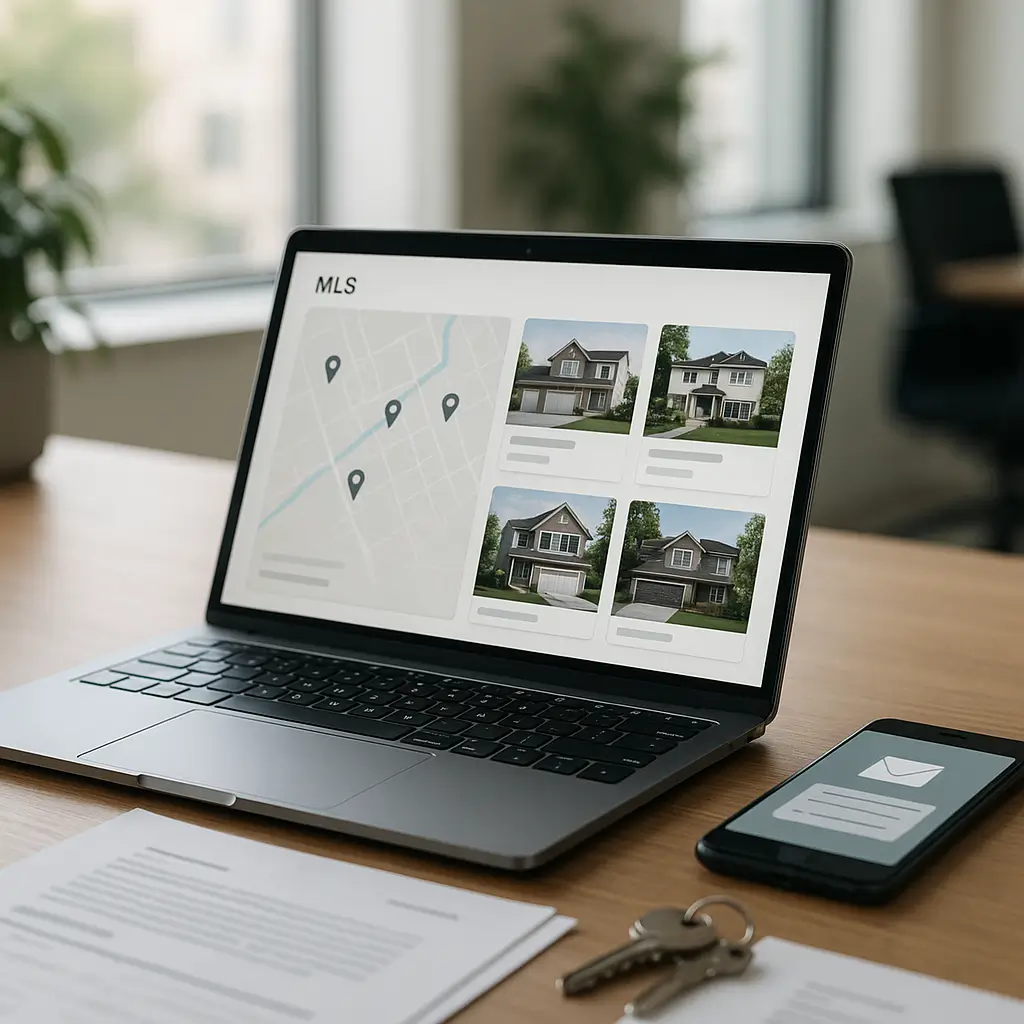
An MLS listing site can look fine on the homepage while quietly losing leads in the background.
For real estate websites, WordPress maintenance is not just “update the plugins once in a while.” MLS and IDX listing sites depend on data feeds, search filters, map tools, image galleries, lead forms, caching rules, and third-party services that all need to keep working together.
If one part breaks, visitors may see outdated listings, empty search results, broken property pages, or contact forms that never reach your inbox. That is a big problem when someone is ready to book a showing.
What Makes MLS Listing Sites Different from Regular WordPress Sites?
A normal small business website might have pages, images, a contact form, and maybe a blog. A real estate listing site usually has much more moving under the hood.
Depending on your setup, your WordPress site may rely on:
- An IDX or MLS listing plugin
- A Canadian listing data source, such as a board-approved feed or CREA DDF integration
- Scheduled imports or sync jobs
- Property search filters
- Map and location tools
- Saved searches or listing alerts
- Lead capture forms on property pages
- Large photo galleries for each listing
- SEO pages for neighbourhoods, cities, or property types
That makes maintenance more sensitive. A plugin update that is harmless on a brochure site can break listing search. A caching setting that speeds up one page can accidentally show stale listing data on another.
This is why MLS listing sites need a more careful maintenance routine than basic WordPress sites.
The Big Maintenance Risks for MLS and IDX Sites
1. Listing Data Can Stop Syncing
Most MLS-style WordPress sites do not store listing data the same way a regular page stores text. Listings are usually imported, pulled, or displayed from an external source.
If the feed connection fails, your website might not immediately show an obvious error. It may simply stop updating. That means sold listings may remain visible, new listings may never appear, or price changes may not be reflected.
Common causes include expired credentials, plugin conflicts, failed scheduled tasks, API changes, feed provider changes, or hosting limits. You do not need to know every technical detail, but someone should be checking that the feed is actually updating.
Quick check: Pick one listing you know changed recently. Search for it on your website and compare it to the source you trust. If your site is behind, your sync process needs attention.
2. Search Filters Can Break After Updates
Real estate visitors search by city, price, bedrooms, property type, neighbourhood, and sometimes more specific filters. Those filters depend on your IDX plugin, theme, JavaScript, and sometimes map tools.
After updates, it is possible for a search form to still appear on the page but stop returning proper results. That is worse than an obvious error because you may not notice it right away.
After maintenance, test your most important searches manually. Try your main city, one nearby community, a low-to-high price search, a bedroom filter, and a mobile search.
3. Property Photos Can Slow Everything Down
MLS listing sites are image-heavy by nature. Every listing may have dozens of property photos, and buyers expect those images to load quickly on mobile.
The problem is that large images can make listing pages painfully slow. Slow pages hurt user experience, reduce lead conversion, and can affect search performance.
Use image compression, proper image sizing, lazy loading, and modern caching. But be careful not to over-optimize in a way that breaks galleries, sliders, maps, or listing feeds.
For more detail on this specific issue, see How to Speed Up Image-Heavy Real Estate Websites.
What Should Be Included in MLS Listing Site Maintenance?
Core, Theme, and Plugin Updates
WordPress core, themes, and plugins should be updated regularly, but MLS sites need updates handled with more caution than a basic brochure site.
Before updating, check whether your IDX or listing plugin has known compatibility notes. Many real estate plugins rely on third-party services, so you should also check the official plugin documentation for current guidance.
Do not blindly enable automatic updates for every plugin on a live MLS site. Automatic updates can be useful for minor security patches, but major plugin changes should usually be tested first.
Staging Site Testing
A staging site is a private copy of your website used for testing updates before they go live. For MLS listing sites, staging is especially useful because you can check listing search, forms, maps, and page layouts before touching the public site.
There is one caveat: some MLS or IDX providers may restrict how feeds are used on staging domains. Check your provider’s current documentation or support team before duplicating feed connections.
If you want a deeper explanation, read WordPress Staging for Real Estate Site Updates.
Feed and Sync Monitoring
Your maintenance checklist should include a basic listing feed check. This does not need to be complicated, but it does need to happen consistently.
At minimum, check:
- Whether new listings are appearing
- Whether sold or unavailable listings are being removed or updated properly
- Whether price changes are reflected
- Whether listing photos are loading
- Whether property detail pages open correctly
- Whether scheduled import or sync tasks are running
If your site depends heavily on MLS traffic, this should be checked more often than once a month. A weekly check is a reasonable starting point for many active real estate sites.
Lead Form Testing
Listing sites are built to generate inquiries. If your “Book a Showing,” “Request Info,” or “Contact Agent” form stops working, your site can lose business quietly.
Test your lead forms from both desktop and mobile. Confirm the message arrives in the right inbox, includes the listing information, and does not land in spam.
If you have multiple agents, make sure routing still works. A lead for one agent should not accidentally go to another person, an old email address, or a general inbox nobody checks.
For a practical checklist, see Lead Capture Form Testing: A Realtor's Guide.
Security Monitoring
Real estate sites are attractive targets because they often have contact forms, login areas, lead data, and many plugins. More plugins usually means more potential attack points.
Your maintenance routine should include malware scanning, firewall protection, login protection, plugin vulnerability checks, and strong admin passwords. Two-factor authentication is also a smart move for agents, admins, and marketing staff.
On Ambrite cloud hosting, Imunify360 helps protect websites from common threats at the server level. That does not replace WordPress maintenance, but it adds another layer of defence.
Canadian Privacy Considerations for Real Estate Websites
If your website collects names, phone numbers, email addresses, showing requests, saved search preferences, or buyer/seller messages, you are handling personal information.
Canadian businesses should think about privacy requirements, including PIPEDA where applicable. Real estate websites should have a clear privacy policy explaining what information is collected, why it is collected, how it is used, and who may receive it.
Be careful with lead forms that send sensitive details through regular email. Email is convenient, but it is not always the safest way to handle personal information.
Also review third-party tools. IDX platforms, CRM systems, email marketing tools, analytics platforms, and form plugins may process visitor data. Check their current privacy documentation and make sure your own privacy policy reflects what your website actually does.
Caching: Helpful, But Easy to Misconfigure
Caching can make WordPress much faster, especially on a LiteSpeed server. But MLS listing sites need caching rules that respect dynamic content.
For example, your homepage and blog posts may be safe to cache aggressively. Search results, saved listings, map results, and certain property pages may need different handling depending on the plugin.
Bad caching can cause strange problems, such as old listing data showing after an update or search filters returning outdated results. If visitors are seeing stale listings, caching should be one of the first things you check.
Ambrite’s cloud hosting uses LiteSpeed and NVMe SSD storage, which can be a strong fit for real estate sites with lots of images and database activity. Hosting starts at $7.99/month CAD, and the right configuration matters more than simply turning every speed setting on.
You can learn more about Ambrite hosting here: cloud web hosting.
Database Maintenance for Listing Sites
MLS and IDX sites can create a lot of database activity. Imported listings, temporary data, search logs, form entries, revisions, transients, and plugin records can build up over time.
A bloated database can slow down searches, admin screens, and listing pages. It can also make backups larger and restorations slower.
Database cleanup should be done carefully. Do not delete tables or records unless you know what they belong to. Some listing plugins store important configuration or imported data in ways that are not obvious at a glance.
A safer approach is to:
- Take a full backup first
- Clean post revisions and spam comments
- Remove unused plugins instead of leaving them disabled forever
- Review old form entries based on your privacy and retention practices
- Use trusted database optimization tools carefully
- Test the listing search after cleanup
Backups Need to Match the Risk
A real estate site with frequent listing changes and active lead forms needs reliable backups. Daily backups are often the minimum, but some busy sites may need more frequent backup points.
There are two things people often forget.
First, a backup is only useful if it can be restored. Test restores should be part of your maintenance plan.
Second, your MLS feed may repopulate listing data, but your site settings, pages, SEO work, lead form entries, media library, and custom design changes still need protection.
Keep backups separate from your live site when possible. If the same server account is compromised, local-only backups may be at risk too.
When You Should Not Use a Full MLS Feed
Not every real estate website needs a full MLS or IDX setup.
If you are a solo agent who mainly wants a professional online presence, neighbourhood pages, testimonials, seller resources, and lead forms, a full feed may add cost and maintenance complexity you do not need.
A full listing feed makes more sense when search traffic, listing discovery, saved searches, or property browsing are a major part of your lead strategy.
For some agents, a simpler website with strong local SEO pages and manually featured listings is easier to manage and converts better. For others, especially teams and brokerages, MLS search is central to the site.
The right choice depends on your marketing strategy, budget, board requirements, and how much you are willing to maintain.
A Practical Weekly Maintenance Checklist
For an MLS listing site, a weekly check should be quick but focused. You are looking for issues that can cost leads.
- Run available safe updates, or schedule larger updates for staging
- Check that listing data is current
- Test a few common property searches
- Open several property detail pages
- Test one lead form from desktop
- Test one lead form from mobile
- Check for plugin vulnerability warnings
- Review uptime alerts or downtime reports
- Confirm backups completed successfully
- Check for obvious layout issues on mobile
A Practical Monthly Maintenance Checklist
Monthly maintenance should go a little deeper. This is where you catch slower problems before they become serious.
- Test updates on staging if your site has complex IDX functionality
- Review site speed on key pages
- Check database size and cleanup opportunities
- Review form submissions and spam levels
- Check analytics for sudden drops in traffic or conversions
- Review old users and remove accounts that no longer need access
- Confirm SSL is valid and HTTPS is working across listing pages
- Check privacy policy accuracy if tools or forms changed
- Review broken links or missing images
- Test backup restoration on a safe environment when appropriate
Choosing the Right Maintenance Level
A basic WordPress maintenance plan may be enough for a simple real estate website with no live listing feed. But if your site has MLS search, complex lead routing, CRM integrations, or high traffic, you should treat it as a more serious business system.
At Ambrite, WordPress maintenance plans start from $49/month CAD. For MLS listing sites, the best fit depends on how complex the site is, how often listings change, whether staging is needed, and how quickly you need support when something breaks.
You can compare real estate maintenance considerations here: Choosing a Maintenance Plan for Your Real Estate Site.
If you would rather have someone handle updates, backups, security monitoring, uptime checks, and site checks, Ambrite offers WordPress maintenance and security plans for Canadian small businesses.
Red Flags That Your MLS Site Needs Help
Some problems are obvious. Others are easy to miss until leads slow down.
Watch for these warning signs:
- Listings have not changed in days even though your market is active
- Search results show no properties when they should
- Property photos load slowly or fail to appear
- Map search behaves differently on mobile
- Lead form emails arrive late or not at all
- Visitors report outdated prices or unavailable listings
- Your admin dashboard feels unusually slow
- Plugin updates are piling up because you are afraid to run them
- Your site goes down during traffic spikes
- You are not sure whether backups actually work
If two or three of these sound familiar, it is time for a proper maintenance review.
What to Ask Before Hiring Someone to Maintain Your MLS Site
Not every WordPress provider understands real estate websites. Before hiring someone, ask practical questions.
- Do you test listing search after updates?
- Do you use staging for risky changes?
- Will you check lead forms, not just plugin updates?
- How do you monitor uptime and security?
- Do you understand caching issues on dynamic listing pages?
- How often are backups taken, and are restores tested?
- Can you work with my IDX or MLS plugin without guessing?
- What happens if an update breaks the listing feed?
Good maintenance is not just clicking “update.” It is knowing what to check after the update.
Final Practical Advice
If your MLS listing site is central to your real estate business, maintain it like a lead-generation system, not like a digital brochure.
Keep updates current, but test the risky ones. Monitor listing feeds. Check your forms. Protect personal information. Use hosting that can handle image-heavy pages and database activity.
If you are unsure where your site stands, Ambrite can review your setup and recommend the right next step. You can reach us through our contact page.
This article was written with the help of AI and reviewed by Ambrite. Pricing, features, and technical details may change. Always verify with official sources before making decisions.
Was this article useful?
Related Articles
Your WordPress site loads in 8 seconds on mobile. Meanwhile, your competitor's site loads in 2...
Running a restaurant in 2026 means juggling a thousand things at once. Your WordPress site...
Your WordPress site has 47 active plugins and takes 8 seconds to load. Sound familiar? Plugin...
Your real estate website is more than just a digital business card: it's a 24/7 sales machine...
Your staff page hasn't been updated since Jessica left in 2022, and your services page still...
