
Blog
WooCommerce Security: Protecting Customer Data
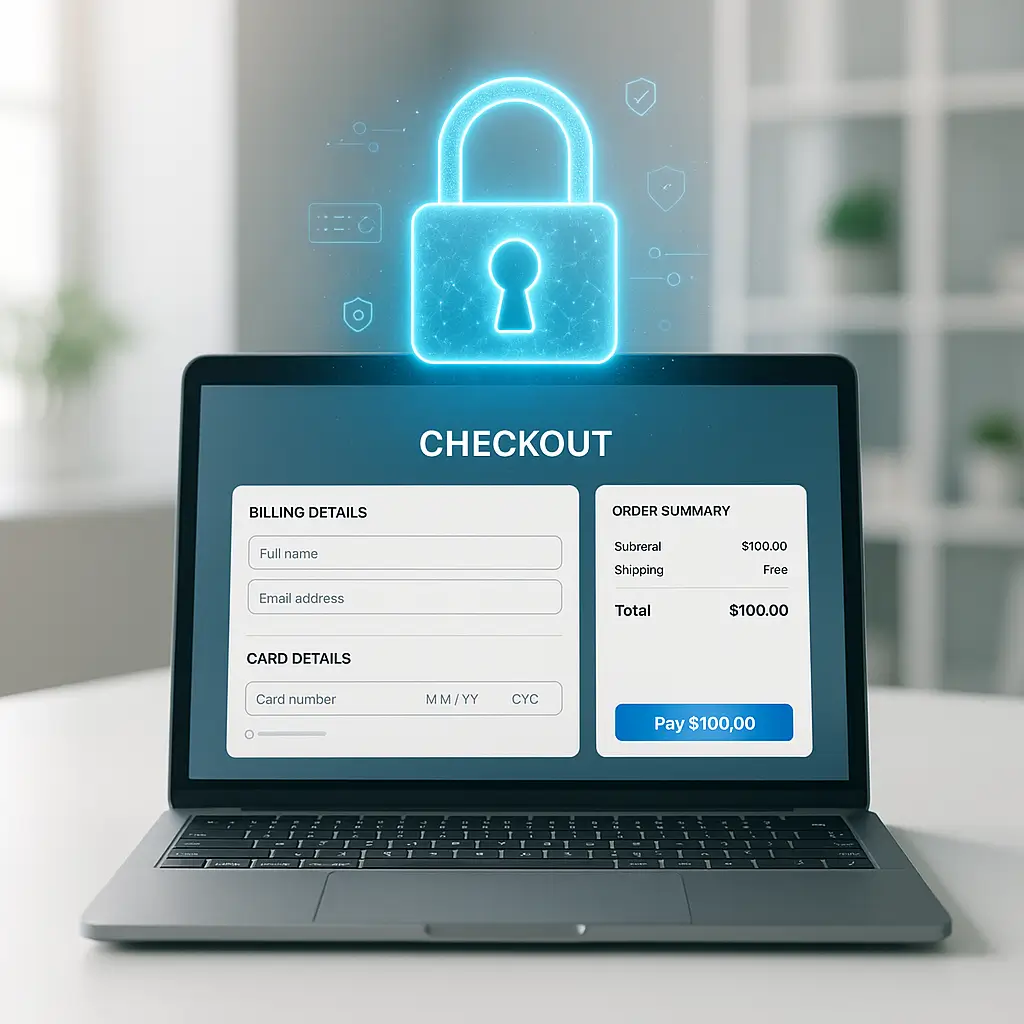 Running a WooCommerce store means you're handling credit card numbers, home addresses, and personal information that hackers would love to steal. One data breach could destroy years of customer trust, not to mention trigger hefty fines under Canadian privacy laws.
The good news? Protecting customer data doesn't require a computer science degree. Most breaches happen through simple mistakes that any store owner can prevent.
Running a WooCommerce store means you're handling credit card numbers, home addresses, and personal information that hackers would love to steal. One data breach could destroy years of customer trust, not to mention trigger hefty fines under Canadian privacy laws.
The good news? Protecting customer data doesn't require a computer science degree. Most breaches happen through simple mistakes that any store owner can prevent.
Why WooCommerce Stores Are Targeted
WooCommerce powers over 3.8 million online stores worldwide. That popularity makes it a prime target for automated attacks that scan for common vulnerabilities.
Think of it like this: criminals don't need to pick your lock specifically. They just walk down the street trying every doorknob until they find one that's unlocked. Your job is making sure you're not the easy target.
Canadian stores face extra pressure. Under PIPEDA (Personal Information Protection and Electronic Documents Act), you're legally required to protect customer data. A breach could mean fines up to $100,000 per violation, plus potential lawsuits from affected customers.
The Real Cost of Poor Security
Beyond legal penalties, consider what happens after a breach:
- Your payment processor might drop you or increase rates
- Google may flag your site as "compromised," tanking your search rankings
- Customers lose trust, and they tell their friends
- You spend weeks cleaning up the mess instead of running your business
Store owners can learn this the hard way. An outdated payment plugin can expose customer records, trigger forensic analysis, legal fees, and customer notifications, and damage sales while trust is rebuilt.
Essential Security Measures for WooCommerce
1. Choose Secure Payment Processing
Never store credit card numbers on your server. Ever. Use payment gateways that handle sensitive data on their secure servers.
For Canadian stores, Moneris offers direct integration with WooCommerce. Other solid options include Stripe and PayPal, which both support Canadian dollars and comply with PCI standards.
These services use "tokenization": they replace credit card numbers with random tokens. Even if someone hacks your site, they get meaningless strings instead of usable card data.
2. Keep Everything Updated
This sounds basic because it is. Yet outdated plugins remain the #1 entry point for hackers.
Set a weekly reminder to check for updates. Yes, updates can occasionally break things. That's why you test them on a staging site first. But running outdated code is like leaving your store's back door propped open.
Pay special attention to:
- WordPress core
- WooCommerce itself
- Payment gateway plugins
- Any plugin that handles customer data
3. Implement Strong Access Controls
Your admin account is the keys to the kingdom. Protect it like you'd protect your bank login.
Start with two-factor authentication. It takes 30 seconds to set up and blocks 99% of password-based attacks.
Also limit admin access. Your shipping clerk doesn't need full administrator privileges. WooCommerce includes a "Shop Manager" role with appropriate permissions. Use it.
4. Secure Your Hosting Environment
Cheap shared hosting is like storing diamonds in a cardboard box. Your neighbors' security problems become your problems.
Look for hosting that includes:
- Web application firewall (WAF)
- Malware scanning
- Automatic backups
- SSL certificates
At Ambrite, our cloud hosting includes Imunify360 security, which blocks malicious traffic before it reaches your store. But regardless of where you host, make sure security is built in, not bolted on.
Data Protection Best Practices
Encrypt Everything in Transit
SSL certificates aren't optional for e-commerce. They encrypt data traveling between your customers' browsers and your server.
Modern browsers show scary warnings for non-HTTPS sites. Google also penalizes them in search results. There's literally no reason to skip SSL in 2026.
Free certificates from Let's Encrypt work fine for most stores. Just make sure your entire checkout process stays on HTTPS: no mixed content warnings.
Minimize Data Collection
Here's a radical idea: collect less data. Every field you add to checkout is another piece of information you need to protect.
Do you really need customers' birthdays? Phone numbers? The less you store, the less attractive your site becomes to hackers.
Review your checkout fields quarterly. Remove anything that isn't essential for orders or legal compliance.
Secure Your Backups
Backups are your safety net, but they're also a security risk. A backup file contains your entire customer database.
Store backups off-site, encrypted, and with restricted access. Never leave backup files in publicly accessible directories. One misconfigured backup plugin can expose everything.
Monitoring and Detection
Security isn't set-and-forget. You need to know when something goes wrong.
Activity Logs
WooCommerce doesn't log admin actions by default. Install an activity log plugin to track:
- Login attempts (successful and failed)
- User role changes
- Plugin installations/updates
- Order modifications
Review logs weekly. Look for patterns like multiple failed logins or admin actions at unusual times.
File Integrity Monitoring
Hackers often inject malicious code into legitimate files. File monitoring alerts you when core files change unexpectedly.
Quality security monitoring services check file integrity daily and alert you to suspicious changes. It's like having security cameras for your code.
Customer Communication Security
Email remains a weak link in e-commerce security. Order confirmations often contain enough information for identity theft.
Secure Email Practices
Never send full credit card numbers via email, not even the last four digits in some cases. Include only essential order information.
Consider using customer accounts instead of guest checkout. Logged-in customers can view order history securely without sensitive data flying through email.
Account Security Features
Help customers protect themselves:
- Enforce strong passwords (minimum 12 characters)
- Offer two-factor authentication for customer accounts
- Send alerts for password changes or unusual login locations
- Provide easy password reset options that don't rely on easily-guessed security questions
Compliance Considerations for Canadian Stores
Running a Canadian WooCommerce store means juggling multiple compliance requirements.
PIPEDA Requirements
The Personal Information Protection and Electronic Documents Act applies to any business collecting personal information in the course of commercial activities. Key requirements:
- Obtain consent for data collection
- Limit collection to what's necessary
- Protect data with appropriate security
- Allow customers to access and correct their data
- Have a privacy policy explaining your practices
Your checkout process needs clear consent checkboxes: pre-checked boxes don't count as valid consent under PIPEDA.
Provincial Variations
Quebec has additional requirements under Law 25, including mandatory privacy impact assessments for certain data processing. British Columbia and Alberta have substantially similar legislation to PIPEDA for intraprovincial transactions.
If you ship across provinces, assume the strictest requirements apply.
PCI Compliance
Payment Card Industry (PCI) standards apply regardless of location. Even using third-party payment processors, you still need to:
- Use secure hosting
- Keep software updated
- Restrict access to cardholder data
- Regularly test security systems
Most small merchants fall under PCI Level 4, requiring annual self-assessment questionnaires. Using hosted payment pages (where customers enter card details on the payment processor's site) significantly reduces your compliance burden.
Common Security Mistakes to Avoid
Mistake 1: Using Nulled (Pirated) Plugins
That "free" premium plugin isn't free: it's often infected with malware. Nulled plugins are the easiest way to compromise your entire store.
Always buy from legitimate sources. The money you save using pirated plugins won't cover the cost of cleaning up after a breach.
Mistake 2: Weak Admin Usernames
Still using "admin" as your username? You're making hackers' jobs easy. Create unique usernames that aren't publicly visible on your site.
While you're at it, don't use your email address as your username. It's often publicly available and gives attackers half of your login credentials.
Mistake 3: Ignoring Security Warnings
Those update notifications aren't suggestions. When WooCommerce flags a critical security update, install it immediately.
Set up a staging environment if you're worried about breaking things. Test updates there first, then push to production. But don't ignore security patches.
Mistake 4: Over-Relying on Security Plugins
Security plugins help, but they're not magic shields. A security plugin on an outdated WordPress installation is like a fancy lock on a rotten door.
Layer your security: good hosting, regular updates, strong passwords, monitoring, and backups. Plugins are just one layer.
What to Do If You're Breached
Despite best efforts, breaches can happen. Your response determines whether it's a minor incident or a business-ending disaster.
Immediate Steps
- Take your store offline immediately
- Change all passwords (hosting, WordPress, database, email)
- Contact your hosting provider. They may have additional logs or insights
- Preserve evidence: don't start deleting files yet
Assessment and Cleanup
Determine the breach scope. What data was accessed? When did it start? How did they get in?
If you're not technical, hire a professional for forensic analysis and cleanup. This isn't the time for DIY. You need to be sure all backdoors are closed.
Legal Requirements
Under PIPEDA, you must notify the Privacy Commissioner and affected individuals of breaches that pose a "real risk of significant harm." You also need to keep records of all breaches for two years.
Don't try to hide a breach. The coverup is always worse than the crime, legally and reputationally.
Building Long-Term Security Culture
Security isn't a one-time project: it's an ongoing practice. Build these habits:
Monthly Security Reviews
Set a recurring calendar reminder for the first Monday of each month. Review:
- User accounts (remove ex-employees immediately)
- Plugin inventory (delete unused plugins entirely)
- Recent orders for suspicious patterns
- Security logs for unusual activity
Quarterly Security Audits
Every three months, dig deeper:
- Test your backups by actually restoring them
- Review and update your privacy policy
- Check for unnecessary data collection
- Verify SSL certificates aren't expiring
Annual Security Assessments
Once a year, consider professional penetration testing. Ethical hackers can find vulnerabilities you've missed. It's not cheap, but it's cheaper than a breach.
Also review your entire security stack annually. Are you using the best payment processor? Has better security technology emerged? Security landscapes change quickly.
Making Security Manageable
If this feels overwhelming, you're not alone. Most store owners started their business to sell products, not become security experts.
Start with the basics: choose secure hosting, use reputable payment processing, keep everything updated, and back up regularly. Those four steps prevent 90% of breaches.
Consider managed services for the technical heavy lifting. Our WordPress maintenance plans handle updates, monitoring, and backups automatically. You focus on growing your business; we handle the security headaches.
Remember: perfect security doesn't exist. Your goal is to be secure enough that attackers move on to easier targets. Make their job hard enough, and they'll look elsewhere.
Customer data is a responsibility, not just an asset. Treat it with the respect it deserves, and your customers will reward you with their continued trust and business.
This article was written with the help of AI and reviewed by Ambrite. Pricing, features, and technical details may change. Always verify with official sources before making decisions.
Was this article useful?
Related Articles
Setting up Moneris on your WooCommerce store feels like wrestling with government paperwork,...
Running a Canadian e-commerce store means dealing with Canada Post shipping rates, and if...
Your WooCommerce store is hemorrhaging money. Every second it takes to load costs you...
Your WooCommerce store crashed yesterday. The database is corrupted. Your last backup? Three...
Your WooCommerce store just notified you about a new update. Should you click that update...
