
Blog
Accessibility Compliance for Healthcare Websites
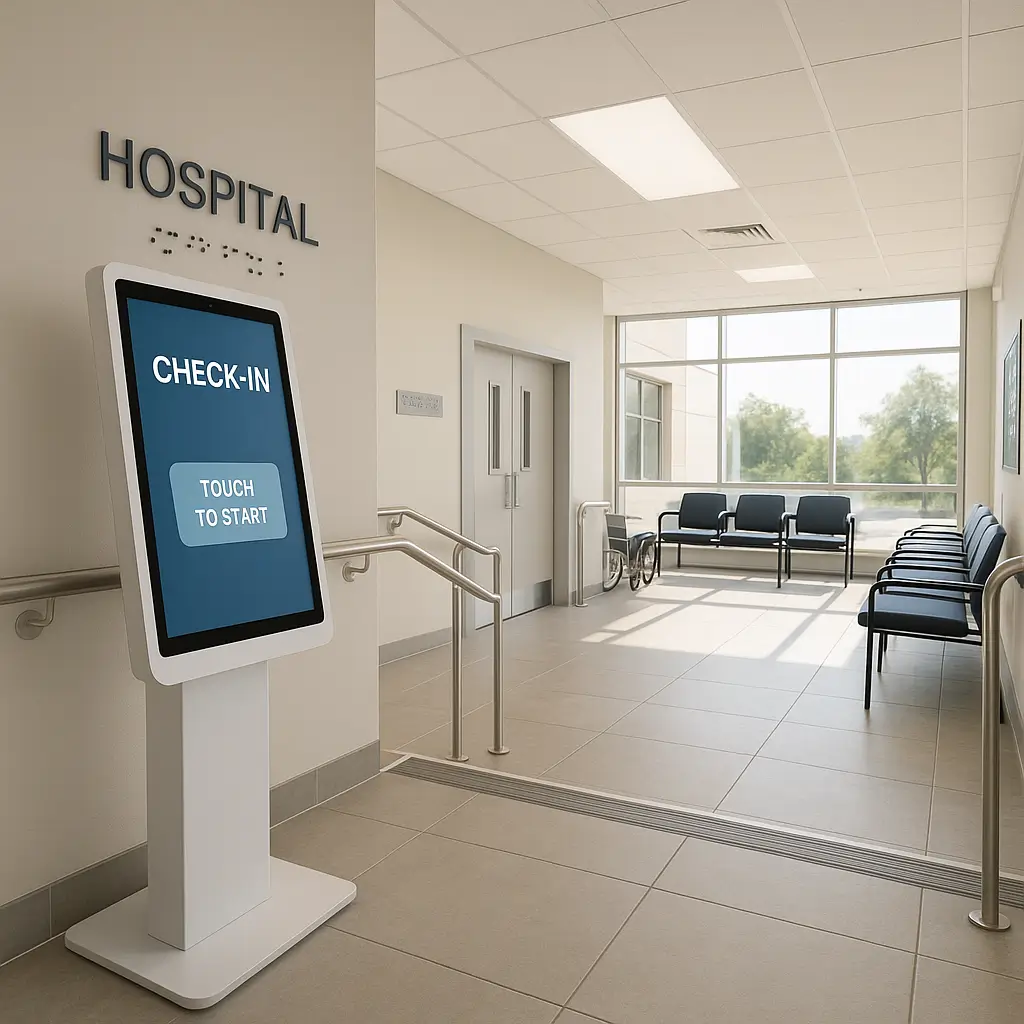 Healthcare websites face unique accessibility challenges in 2026. A patient struggling with vision loss needs to book an appointment. Someone with arthritis needs to fill out intake forms. Your website either helps them or blocks them.
Canadian healthcare providers must meet both legal requirements and ethical obligations when it comes to web accessibility. This guide covers what you need to know about making your healthcare website accessible to all patients, including specific requirements under the Accessibility for Ontarians with Disabilities Act (AODA) and similar provincial legislation.
Why Healthcare Websites Need Special Attention
Healthcare isn't optional. When someone needs medical care, they shouldn't face digital barriers on top of health challenges. Yet many healthcare websites accidentally exclude patients through poor design choices.
Consider these scenarios: A stroke survivor with limited hand mobility tries to click tiny navigation links. A patient with low vision can't read appointment instructions in light grey text. Someone using a screen reader gets stuck in a form that wasn't coded properly.
These aren't edge cases. Statistics Canada reports that 22% of Canadians aged 15+ have at least one disability. That percentage jumps to 38% for those over 65 - a demographic that frequently needs healthcare services.
Legal Requirements Across Canada
Ontario leads with the most comprehensive requirements under AODA. Healthcare organizations must meet WCAG 2.0 Level AA standards for all public-facing web content. This isn't optional - it's law with real penalties.
Other provinces have varying requirements:
- Manitoba's Accessibility for Manitobans Act includes similar web standards
- Nova Scotia's Accessibility Act creates obligations for healthcare providers
- British Columbia's Accessibility Act is ramping up requirements
- Quebec has its own standards under the Act to secure handicapped persons
Federal healthcare organizations must also comply with the Accessible Canada Act. Private healthcare practices should check provincial requirements, but meeting WCAG 2.0 AA is becoming the baseline expectation everywhere.
Beyond accessibility laws, you still need to handle patient privacy properly. See our guide on How to Comply with PIPEDA: Essential Privacy Policy Requirements for Canadian Websites for those requirements.
Core Technical Requirements
WCAG 2.0 Level AA sounds intimidating, but the core requirements make sense when you understand what patients need:
Keyboard Navigation
Every function on your site must work without a mouse. Test this yourself: unplug your mouse and try booking an appointment using only your keyboard. Can you tab through all form fields? Can you activate buttons with the Enter key? Does the focus indicator clearly show where you are?
Common failures include custom dropdown menus that only respond to mouse clicks, calendar widgets that trap keyboard users, and forms that skip fields when tabbing.
Screen Reader Compatibility
Screen readers convert text to speech for blind users. They need properly structured HTML to work. This means:
- Using real heading tags (H1, H2, H3) in logical order, not just making text bigger
- Labeling all form fields properly so the screen reader announces what each field is for
- Providing alt text for images that conveys the same information as the image
- Using semantic HTML - nav for navigation, main for main content, footer for footer
Color and Contrast
Text must have sufficient contrast against its background. WCAG requires a contrast ratio of at least 4.5:1 for normal text and 3:1 for large text. That trendy light grey text on white background? It's probably failing.
Don't convey information through color alone. "Required fields are marked in red" excludes colorblind users. Add an asterisk or the word "required" as well.
Text Sizing and Spacing
Users must be able to zoom text to 200% without horizontal scrolling or content disappearing. Line height, paragraph spacing, and letter spacing must be adjustable. Fixed pixel heights on containers often break when users increase text size.
Critical Areas for Healthcare Sites
Appointment Booking Systems
Your online booking system is often the first barrier patients encounter. Common problems:
- Calendar widgets that don't announce available dates to screen readers
- Time slots displayed only as clickable boxes with no text alternative
- Multi-step forms that don't indicate progress or allow backward navigation
- Session timeouts that don't warn users before losing their progress
Third-party booking widgets often have poor accessibility. Before choosing one, test it with keyboard navigation and a screen reader. Some popular medical booking systems now offer accessibility-compliant versions - ask specifically for these.
Patient Forms
Intake forms, consent forms, and health questionnaires need extra attention:
- Every field needs a clear label that's programmatically associated with the field
- Error messages must clearly identify which field has the problem and how to fix it
- Required fields must be indicated in multiple ways, not just color
- Complex forms should save progress so patients can complete them in multiple sessions
For security guidance on handling sensitive form data, review WordPress Security for Healthcare Practices.
PDF Documents
Healthcare sites often provide forms, instructions, and educational materials as PDFs. Standard PDFs are accessibility nightmares - screen readers see them as images with no text.
Options for accessible documents:
- Create tagged PDFs using Adobe Acrobat Pro's accessibility tools
- Provide HTML alternatives for all PDF content
- Use accessible Word documents instead, which users can open in their preferred accessible reader
Pro tip: Creating an HTML version of your forms often provides better accessibility than trying to make PDFs accessible. HTML forms can also submit directly to your patient management system.
Mobile Accessibility
Over 60% of healthcare website visits come from mobile devices. Mobile accessibility adds unique challenges:
- Touch targets (buttons, links) must be at least 44x44 pixels
- Spacing between targets prevents accidental taps
- Pinch-to-zoom must not be disabled
- Forms must work with mobile keyboard variations
- Screen orientation changes shouldn't break layouts
Test your site on actual mobile devices, not just by resizing your browser. Mobile screen readers (VoiceOver on iOS, TalkBack on Android) work differently than desktop versions.
Testing Your Healthcare Website
Automated testing catches some issues but misses context. A tool might verify that images have alt text but can't judge if that alt text is helpful.
Basic Manual Testing
Start with these checks anyone can do:
- Navigate your entire site using only the keyboard
- Zoom to 200% and verify all content remains usable
- Turn off CSS and check if content still makes sense in order
- Check color contrast using free tools like WebAIM's contrast checker
Screen Reader Testing
Download NVDA (free for Windows) or use VoiceOver (built into Mac/iOS). Listen to how your site sounds. Can you understand the page structure? Do form labels make sense? Are error messages announced?
Real User Testing
The gold standard is testing with actual users with disabilities. Disability organizations can often connect you with testers. Budget for this - it's far cheaper than remediation after complaints.
Common Mistakes to Avoid
Healthcare websites frequently make these accessibility mistakes:
Relying on Overlays
Those "one-line-of-code" accessibility overlays that promise instant compliance? They don't work. They often make sites harder to use for people with disabilities. Major disability rights organizations have called for their removal. Build accessibility into your site properly.
Forgetting About Videos
Patient education videos need captions for deaf users and audio descriptions for blind users. Auto-generated captions aren't sufficient for medical terminology. Budget for professional captioning.
Pop-ups and Modals
That COVID screening pop-up might trap keyboard users. Newsletter sign-up modals might not announce to screen readers. Any modal must:
- Move focus to the modal when it opens
- Trap focus within the modal while open
- Return focus to the trigger element when closed
- Be closeable with the Escape key
Infinite Scroll
Infinite scroll on provider directories or health article listings creates barriers. Keyboard users can't reach the footer. Screen reader users don't know new content loaded. Use traditional pagination or a "Load More" button instead.
Implementation Strategies
Making an existing healthcare website accessible feels overwhelming. Here's a practical approach:
Prioritize Critical Paths
Start with the most important patient journeys:
- Finding contact information
- Booking appointments
- Accessing patient portals
- Completing required forms
Make these paths fully accessible first, then expand to other areas.
Fix New Content First
Stop adding inaccessible content while you fix existing issues. Train content creators on:
- Writing descriptive link text (not "click here")
- Structuring content with proper headings
- Adding alt text to images
- Creating accessible tables with headers
Budget for Ongoing Maintenance
Accessibility isn't a one-time project. New content, features, and updates can introduce barriers. Our WordPress maintenance plans can help with ongoing care, and the Complete Plan includes a monthly site audit that checks accessibility and usability.
Beyond Compliance: Inclusive Design
Legal compliance is the minimum. Truly inclusive healthcare websites go further:
Plain Language
Medical terminology excludes many patients. Write at a Grade 8 reading level for patient-facing content. Explain technical terms when you must use them. Short sentences and common words help everyone, especially those with cognitive disabilities or English as a second language.
Multiple Contact Methods
Not everyone can use a phone. Not everyone can use a form. Provide multiple ways to contact your practice:
- Phone with TTY option for deaf patients
- Email address (not just a contact form)
- Text messaging where possible
- Video relay service information
Flexible Appointments
Consider how your booking system handles accessibility needs:
- Can patients request longer appointments?
- Can they indicate interpreter needs?
- Can they note mobility device requirements?
- Is there a way to request accommodations?
Working with WordPress
Most healthcare websites in Canada run on WordPress. The platform can be accessible, but it requires attention:
Theme Selection
Choose themes that advertise accessibility compliance. Many premium healthcare themes now include accessibility features. Test before purchasing - demo sites should pass basic keyboard navigation tests.
Plugin Compatibility
That fancy slider plugin might break keyboard navigation. The form builder might generate inaccessible markup. For plugin guidance specific to medical practices, see our list of Best WordPress Plugins for Medical Practices.
Regular Audits
WordPress updates, plugin updates, and content changes can introduce accessibility issues. Schedule quarterly accessibility audits. Automated tools can run these checks as part of maintenance routines.
Getting Help
Building an accessible healthcare website requires expertise. Options for getting help:
Accessibility Consultants
Specialists can audit your site and provide detailed remediation plans. Look for consultants certified by the International Association of Accessibility Professionals (IAAP). Canadian consultants understand provincial requirements.
Inclusive Design Agencies
Some web agencies specialize in accessible design. They cost more than generic agencies but save money by building accessibility in from the start rather than retrofitting later.
Training Your Team
Invest in accessibility training for everyone who touches your website. Content creators, designers, and developers all need different skills. Many Canadian organizations offer healthcare-specific web accessibility training.
Measuring Success
Track accessibility improvements with metrics that matter:
- Reduced complaints about website barriers
- Increased online appointment bookings
- Higher form completion rates
- Positive feedback from patients with disabilities
- Passing scores on accessibility audits
Some analytics tools can track accessibility-specific metrics like keyboard navigation patterns and screen reader usage. This data helps prioritize improvements.
The Business Case
Accessibility improves your website for everyone. Curb cuts help wheelchair users but also parents with strollers and delivery workers with hand trucks. Similarly, website accessibility features benefit all users:
- Clear navigation helps stressed patients find information quickly
- Good contrast improves readability in bright sunlight
- Keyboard navigation helps power users work faster
- Proper structure improves search engine rankings
Accessible websites typically have better SEO, faster load times, and cleaner code. They work better on all devices and browsers. The improvements you make for accessibility pay dividends in overall user experience.
Planning Your Accessibility Journey
Start today with small steps. Run an automated accessibility check. Try navigating your appointment booking system with just your keyboard. Listen to your homepage with a screen reader.
Each barrier you remove helps real patients access care. That's worth the effort.
Need help making your healthcare website accessible? Contact Ambrite to discuss how Ambrite can help with your WordPress website.
This article was written with the help of AI and reviewed by Ambrite. Pricing, features, and technical details may change. Always verify with official sources before making decisions.
Was this article useful?
Related Articles
Your website looks perfect on your laptop. Then you check it on your phone and everything's a...
Remember when parallax scrolling was the coolest thing on the web? Yeah, that was about eight...
Your website might be costing you customers right now. Not because it's broken or slow (though...
Your website loads in 0.8 seconds instead of 3 seconds, and suddenly your bounce rate drops by...
That beautiful website you spent months perfecting? It's driving customers away. Not because of...
