
Blog
Choosing a Maintenance Plan for Your Restaurant Site
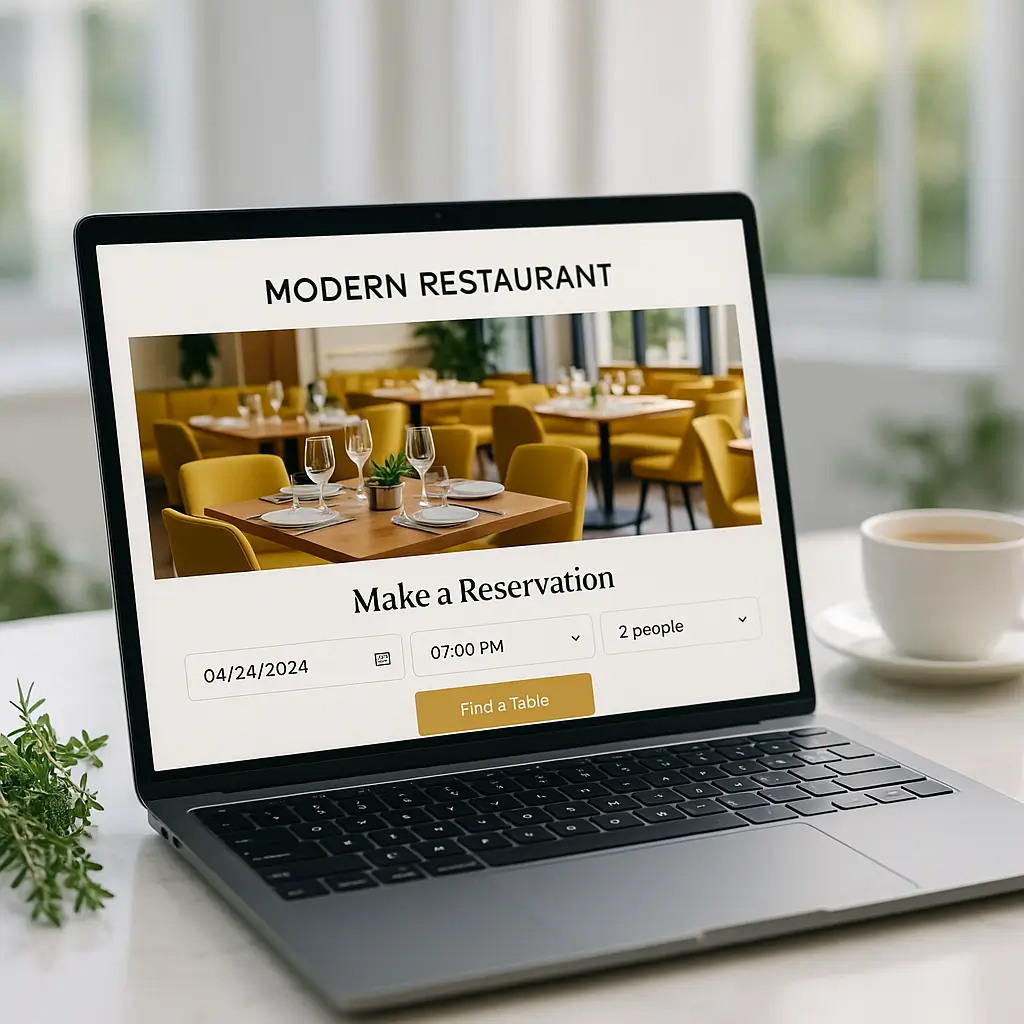
Running a restaurant is exhausting enough without worrying about whether your website's online reservation system crashed during Saturday's dinner rush. Yet that's exactly what happens when restaurant sites aren't properly maintained. And it always happens at the worst possible time.
Your restaurant website isn't just a digital menu anymore. It's handling reservations, processing online orders, showcasing your daily specials, and often running loyalty programs. Each of these features needs regular maintenance to keep working smoothly.
Let's talk about what actually needs maintaining on a restaurant website and how to choose a maintenance plan that fits your specific needs (and budget).
What Makes Restaurant Websites Different
Restaurant websites have unique maintenance challenges that other businesses don't face. You're not just updating blog posts occasionally: you're managing dynamic content that changes daily or weekly.
Think about everything your site handles: menu updates when ingredients run out, seasonal menu changes, special event promotions, reservation systems that sync with your floor plan, online ordering that connects to your kitchen, and photo galleries that showcase your latest dishes.
Each of these features can break independently. When your reservation plugin stops talking to your email system, customers think they've booked a table but you never get the notification. That's how you end up with angry customers on a Friday night.
The reservation plugin monitoring alone requires weekly checks to ensure forms are submitting properly and confirmation emails are sending.
Critical Maintenance Tasks for Restaurant Sites
Here's what actually needs regular attention on a restaurant website:
Plugin Updates and Testing
Restaurant sites typically run 15-25 plugins (far more than a basic business site). You've got your reservation system, online ordering, menu management, gallery plugins, and possibly loyalty program integrations.
Each plugin update can potentially break something else. Your online ordering plugin might work fine after an update, but suddenly stop communicating with your payment processor. Without proper testing after updates, you won't know until customers start calling to complain.
Check out our guide on best WordPress plugins for restaurants to understand which ones need the most attention.
Security Monitoring
Restaurants are attractive targets for hackers because you process payments and store customer data. A breach doesn't just cost money: it destroys the trust you've built with regular customers.
Your maintenance plan needs to include daily security scans, immediate malware removal if something's detected, and regular security hardening as new threats emerge. WordPress security for restaurant owners requires special attention to payment processing areas.
Performance Optimization
Nobody waits for a slow restaurant website. If your menu takes more than 3 seconds to load, potential customers will just order pizza instead. Your site needs regular performance tuning to stay fast.
This includes image optimization (those beautiful food photos are probably huge files), database cleanup, caching configuration, and mobile speed optimization. Restaurant sites are viewed on mobile devices more than 70% of the time, so mobile performance is critical.
Uptime Monitoring
When your site goes down on a Saturday evening, you're losing real money. Every minute of downtime during peak hours could mean dozens of lost orders. Professional uptime monitoring alerts you immediately when issues arise.
Choosing Your Maintenance Level
Not all restaurants need the same level of maintenance. A small bistro with a static menu has different needs than a busy restaurant doing hundreds of online orders daily.
Basic Maintenance ($49-99/month)
Good for restaurants that primarily use their website for information and basic reservations. This typically includes:
- Weekly plugin updates with basic testing
- Daily backups
- Basic security monitoring
- Monthly performance checks
- Uptime monitoring with email alerts
This works if you're not heavily dependent on online ordering and can handle occasional issues during business hours. You'll still need to update your own content and menus.
Professional Maintenance ($100-250/month)
Essential for restaurants doing significant online business. This level adds:
- Daily security scanning with immediate response
- Priority support for critical issues
- Comprehensive plugin compatibility testing
- Monthly performance optimization
- Basic content updates (like menu changes)
- Form testing to ensure orders and reservations work
Most successful restaurants need at least this level. When online ordering represents 20%+ of your revenue, you can't afford extended downtime.
Premium Maintenance ($250-500+/month)
For high-volume restaurants or those with complex integrations. Includes everything plus:
- Dedicated account management
- Weekly content updates
- Custom development for small features
- Integration monitoring (POS systems, loyalty programs)
- A/B testing for conversion optimization
- Detailed monthly reports on site performance and issues
If you're running multiple locations or doing significant catering business online, this level prevents problems before they impact revenue.
Red Flags to Avoid
Not all maintenance providers understand restaurant websites. Watch out for these warning signs:
Generic maintenance plans: If they're offering the same plan to lawyers and restaurants, they don't understand your specific needs. Restaurant sites have unique challenges that require specialized knowledge.
No emergency support: When your online ordering breaks on New Year's Eve, you need immediate help, not a "we'll look at it Monday" response.
Update-only plans: Just updating plugins isn't maintenance. Without proper testing, updates can break critical features right before your dinner rush.
No performance monitoring: Speed matters more for restaurants than almost any other business. If they're not actively monitoring and optimizing performance, find someone else.
What to Look For
The right maintenance provider should offer:
Restaurant experience: They should understand OpenTable integrations, online ordering systems, and how restaurants actually operate. Generic web maintenance isn't enough.
Flexible update scheduling: Updates should happen during your slow times, not during Friday dinner service. They should know your business patterns.
Proactive monitoring: You shouldn't find out about problems from angry customers. They should catch issues before they impact your business.
Clear communication: When something breaks, you need plain English explanations, not technical jargon. And you need realistic timelines for fixes.
Integration Considerations
Modern restaurant websites connect to numerous third-party services. Your maintenance plan needs to monitor these connections:
- Reservation systems (OpenTable, Resy, Yelp)
- Online ordering platforms
- Payment processors
- POS system integrations
- Email marketing tools
- Review management systems
- Loyalty program platforms
Each integration point is a potential failure point. When OpenTable updates their API, your website integration might break. Professional maintenance includes monitoring these connections and fixing them quickly when they fail.
Content Update Needs
Restaurants need content updates more frequently than most businesses. Consider how often you need:
- Menu updates (daily specials, seasonal changes, price adjustments)
- Event announcements
- Holiday hours updates
- Photo gallery additions
- Special promotion banners
- Blog posts about new dishes or chef profiles
Some maintenance plans include a set number of content updates monthly. Others charge per update. Calculate your typical needs to avoid surprise costs.
The True Cost of No Maintenance
Skipping professional maintenance seems like saving money until something breaks. Here's what typically happens:
A plugin conflict takes down your online ordering on a busy Saturday. You lose $2,000 in orders before you even notice. Emergency weekend repairs cost $500. Angry customers leave bad reviews that hurt business for months.
Or hackers inject malware that steals customer credit card data. Beyond the immediate cleanup costs, you face potential lawsuits, payment processor fines, and devastated reputation.
Compare those scenarios to spending $150/month on professional maintenance. The math becomes obvious pretty quickly.
Making Your Decision
Start by assessing your current situation:
- How much revenue comes through your website?
- How complex are your integrations?
- How often do you need content updates?
- What's your tolerance for downtime?
- Do you have technical staff who can handle emergencies?
For most restaurants doing any significant online business, professional maintenance isn't optional: it's essential infrastructure, like your refrigeration system or POS.
Remember that Google Business Profile and your restaurant website work together. When your website is down or running slowly, it affects your local search rankings too.
Next Steps
Don't wait for a crisis to think about maintenance. If you're reading this after something already broke, fix the immediate problem then implement a proper maintenance plan to prevent future issues.
Get quotes from multiple providers, but focus on value, not just price. The cheapest maintenance plan is expensive if it doesn't prevent problems or respond quickly when issues arise.
Ask potential providers about their experience with restaurant websites specifically. How do they handle high-traffic periods? What's their response time for critical issues? Do they understand the restaurant business, or are they just generic WordPress maintainers?
Pro tip: The best time to set up maintenance is when everything's working perfectly. It's much cheaper to prevent problems than fix them during a dinner rush crisis.
At Ambrite, we specialize in maintaining WordPress sites for Canadian restaurants. We understand that when your online ordering goes down on a Friday night, you need immediate help, not a support ticket. Our maintenance plans are built around restaurant operations, with update scheduling that respects your busy times and support when you actually need it.
Whether you choose us or another provider, don't put off this decision. Your restaurant's online presence is too important to leave unprotected. Get professional maintenance in place before the next plugin update takes down your reservation system during the holiday rush.
This article was written with the help of AI and reviewed by Ambrite. Pricing, features, and technical details may change. Always verify with official sources before making decisions.
Was this article useful?
Related Articles
Your WordPress site loads in 8 seconds on mobile. Meanwhile, your competitor's site loads in 2...
Running a restaurant in 2026 means juggling a thousand things at once. Your WordPress site...
Your WordPress site has 47 active plugins and takes 8 seconds to load. Sound familiar? Plugin...
Your real estate website is more than just a digital business card: it's a 24/7 sales machine...
Your staff page hasn't been updated since Jessica left in 2022, and your services page still...
