
Blog
NVMe SSD vs Traditional SSD: Speed Comparison
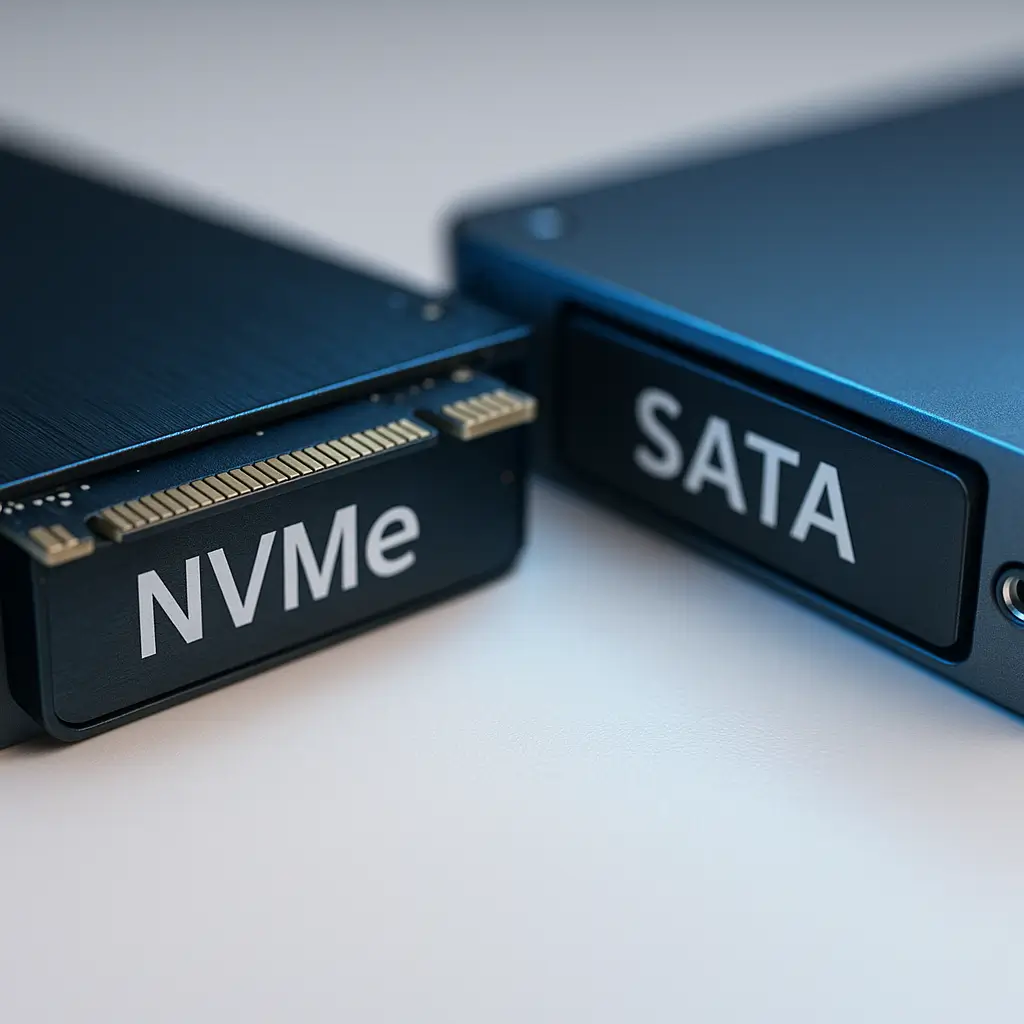
If you've been told your website is slow, upgrading to NVMe hosting might be the fastest fix you'll find. But here's the thing: not every site needs NVMe, and the speed difference isn't always what hosting companies claim it is.
Let's cut through the marketing hype and look at real performance differences between NVMe SSDs and traditional SSDs, so you can decide if the upgrade is worth it for your business.
What Makes NVMe Different from Traditional SSDs
Traditional SSDs connect through SATA cables: the same interface your old spinning hard drives used. It's like forcing a Ferrari to drive through residential streets with speed bumps every block.
NVMe drives connect directly to your server's PCIe bus, bypassing those old bottlenecks entirely. Think of it as giving that Ferrari its own private highway.
The technical difference? SATA maxes out at 600MB/s. NVMe can hit 7,000MB/s or higher. That's not a typo. We're talking about 10x theoretical speed improvements.
Real-World Speed Differences You'll Actually Notice
Those impressive numbers don't always translate to a 10x faster website. Here's what actually happens:
Database queries: This is where NVMe shines. If your WordPress site runs complex queries (think WooCommerce stores with thousands of products), NVMe can cut load times by 30-50%.
File serving: For static files like images and PDFs, the difference is minimal. Your visitors' internet connection is usually the bottleneck here, not your disk speed.
WordPress admin: You'll feel the difference most when working in your dashboard. Plugin installations, media uploads, and page saves all happen noticeably faster on NVMe.
Backup and restore: What used to take 20 minutes might take 5. If you're frequently cloning sites or running large imports, NVMe saves real time.
When NVMe Makes a Huge Difference
Some sites benefit dramatically from NVMe hosting:
- Busy WooCommerce stores: Every product search, filter operation, and checkout process hits your database hard. NVMe can mean the difference between a 2-second and 4-second checkout page.
- Membership sites: User logins, content restrictions, and activity tracking create constant database reads and writes.
- High-traffic news sites: When you're serving thousands of dynamic pages per hour, those milliseconds add up.
- Sites with poor caching: If you can't use aggressive caching (like sites with user-specific content), NVMe helps compensate.
One of our clients running a parts catalog with 50,000+ SKUs saw their search function go from 3.2 seconds to 1.1 seconds after moving to our NVMe hosting. That's the kind of improvement that directly impacts sales.
When Traditional SSDs Are Good Enough
Not every site needs bleeding-edge storage. Traditional SSDs work perfectly fine for:
- Brochure sites: Your 10-page law firm or plumbing website won't see meaningful improvements from NVMe.
- Well-cached WordPress sites: If you're using proper caching and serving mostly static content, disk speed rarely matters.
- Low-traffic sites: Under 1,000 visitors per day? Traditional SSDs handle this without breaking a sweat.
- Simple blogs: Unless you're running complex queries or have thousands of posts, save your money.
The Hidden Benefits Nobody Talks About
NVMe's speed advantage is just part of the story. Here's what else matters:
Better under load: When your site gets hit with traffic spikes, NVMe handles concurrent requests better. Traditional SSDs can bog down when multiple visitors request uncached content simultaneously.
Faster PHP processing: WordPress creates temporary files constantly. NVMe's lower latency means PHP scripts execute faster, even when they're not database-heavy.
Improved backup performance: Your nightly backups finish faster and impact site performance less. This matters if you're in a maintenance window.
Related: Backing Up Your WooCommerce Store Properly
Cost vs Performance: The Real Numbers
NVMe hosting typically costs 20-40% more than traditional SSD hosting. Is it worth it?
For a basic WordPress site doing 500 visitors/day: Probably not. You might shave 200ms off your load time, barely noticeable.
For a WooCommerce store doing $10,000/month: Absolutely. Even a 10% speed improvement can boost conversions. Amazon found every 100ms delay costs them 1% in sales.
For a high-traffic membership site: Essential. The difference between a 2-second and 4-second page load might be keeping or losing members.
Testing Your Current Storage Performance
Before upgrading, benchmark your current setup. Here's how to check if storage is actually your bottleneck:
Check your WordPress admin speed: If saving posts or uploading media feels sluggish, storage might be the issue.
Monitor database query times: Slow queries (over 1 second) often improve with NVMe, especially for complex operations.
Watch for timeout errors: Getting WordPress database connection errors during traffic spikes? NVMe's lower latency helps.
Test your backup times: If backups take over an hour or slow your site to a crawl, faster storage makes a difference.
Other Speed Factors That Matter More
Here's an uncomfortable truth: upgrading to NVMe won't fix a badly optimized site. These factors often matter more:
Caching setup: A properly cached site on traditional SSD beats an uncached site on NVMe every time. Check out WordPress Caching Explained: A Beginner's Guide for the basics.
Image optimization: Those 5MB photos from your iPhone are killing load times more than your storage type ever could.
Plugin bloat: Running 50 plugins? No amount of NVMe speed will save you. Quality hosting helps, but reducing plugin bloat helps more.
PHP version: Upgrading from PHP 7.4 to 8.2 often provides more speed improvement than switching to NVMe.
How Canadian Sites Benefit from NVMe
Canadian businesses face unique performance challenges. Our geography means visitors might be accessing your Toronto-hosted site from Vancouver. That's 4,300km of distance.
NVMe helps offset this latency by ensuring your server responds as quickly as possible once the request arrives. Combined with a good CDN, it's especially valuable for businesses serving customers coast-to-coast.
For WooCommerce stores calculating real-time shipping with Canada Post, those complex API calls and calculations happen faster on NVMe infrastructure.
Making the Upgrade Decision
Upgrade to NVMe if:
- Your site runs database-heavy operations (WooCommerce, membership plugins, learning management systems)
- You're seeing slow query warnings in your error logs
- WordPress admin tasks feel sluggish despite good hosting
- Your business depends on site speed for conversions
- You're currently on shared hosting and need better performance
Stick with traditional SSD if:
- Your site loads in under 2 seconds already
- You have fewer than 50 products or 100 posts
- Most of your content is cached effectively
- Budget is tight and other optimizations haven't been done yet
What to Expect After Upgrading
When you switch to NVMe hosting, some changes are immediate, others take time to notice:
Immediately noticeable: WordPress admin tasks, plugin updates, media uploads, and database-heavy operations all feel snappier.
Within a week: You'll notice more consistent performance during traffic spikes. Those random slow periods often disappear.
Long-term benefits: Better search rankings (Google rewards fast sites), improved user engagement, and potentially higher conversion rates.
One caveat: if your site has other performance issues, fixing those first might give you bigger gains than the storage upgrade.
The Verdict: Is NVMe Worth It in 2026?
NVMe has become the standard for quality web hosting in 2026. The price difference keeps shrinking while the performance gap remains significant.
For new sites: start with NVMe if your budget allows. It's easier than upgrading later.
For existing sites: upgrade if you're seeing performance bottlenecks that caching and optimization can't fix.
For enterprise sites: NVMe isn't optional anymore. Your competitors are already using it.
The sweet spot? Medium-traffic WordPress sites with dynamic content. That's where NVMe's speed advantage translates directly into better user experience and business results.
Need help deciding? If you're unsure whether NVMe hosting makes sense for your specific situation, reach out to us. We'll analyze your site's performance and give you an honest recommendation, even if it means sticking with your current setup.
This article was written with the help of AI and reviewed by Ambrite. Pricing, features, and technical details may change. Always verify with official sources before making decisions.
Was this article useful?
Related Articles
Your hosting location matters more than you think. Beyond the obvious speed benefits, hosting...
Setting up professional email is like finally getting business cards that don't say "Gmail" on...
Setting up WordPress on cloud hosting isn't rocket science, but doing it wrong can turn your...
That moment when your website crashes because you ran out of disk space? Or when your host...
Your WordPress site just lost another visitor. They waited 3 seconds for your homepage to load,...
